

Key Takeaways:
- Separate Tenant Setup for Microsoft Intune
- Keeping the test tenant separate avoids policy clashes
- Ensuring a clean sandbox environment
- Provides a free 30‑day Intune trial
Let’s discuss How to Create a Separate Intune Account Without Partner Channel Hassles. Creating an Separate Microsoft Intune account is serves several important purposes. The main reasons are testing and development, avoiding conflicts etc.
Table of Contents
Table of Contents
How to Create a Separate Intune Account Without Partner Channel Hassles
For several reasons Intune Admins create Separate Intune Account. Most of the organizations prefer independent MS account in their Intune tenant. 1 MS account connected to all company‑wide products and user access and other one is for testing purposes.
| Importance of Separate Intune Account |
|---|
| Helps to use for Testing Purpose |
| Used to avoid conflicts |
| Clear Separation of Roles |
- Enhancing Endpoint Security with Administrator Account Renaming using Intune Policy
- How to Configure Account Protection Area Visibility in Windows Security using Intune Policy
- Enable or Disable Microsoft Account Connection Policy using Intune
How to Create a Separate Intune Account
With some simple steps you can easily create How to Create a Separate Intune Account from your existing company account. Microsoft offers a free 30‑day trial for Intune, which can be activated during account creation.
Sign Up for New Account
You can easily create a new Microsoft account for Intune Separately. For this, Go to the Microsoft Intune sign-up page and select the option to set up a new account. make sure that you cannot combine this new account with your existing work or school account.

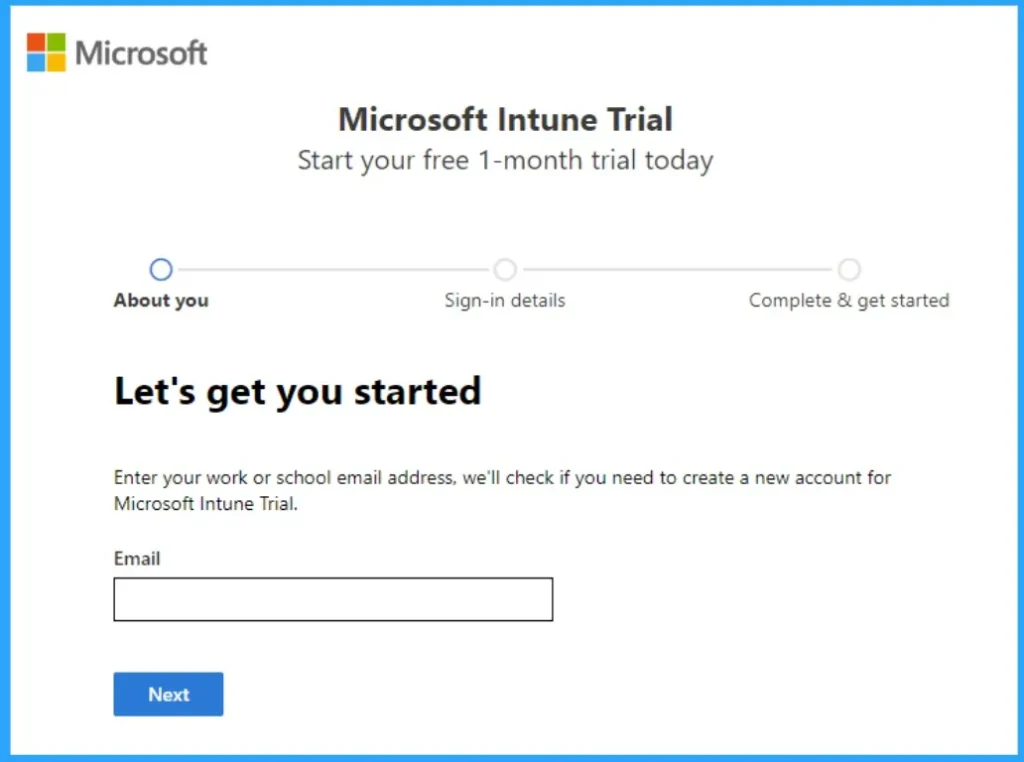
Trial Period
Microsoft offers a free trial for Intune that lasts for 30 days. This can be beneficial for your testing purposes. You can sign up for the trial during the account creation process.
Video – Free Intune Training – Trial Subscription
Here is our video that shows how to get Free Intune Training with Trial Subscription. This first episode in a free Intune training series demonstrates setting up a trial subscription.
Creation Step of Separate Account
With some simple steps you can create a new account. Follow the below steps to create a Separate Intune Account for your tenant.
- Go to the Microsoft Intune sign-up page.
- Enter your email address and select Next.
- Choose Set up account to create a new account.
- Fill in your details such as name, phone number, and company information.
- Verify your phone number by entering the verification code sent to you.
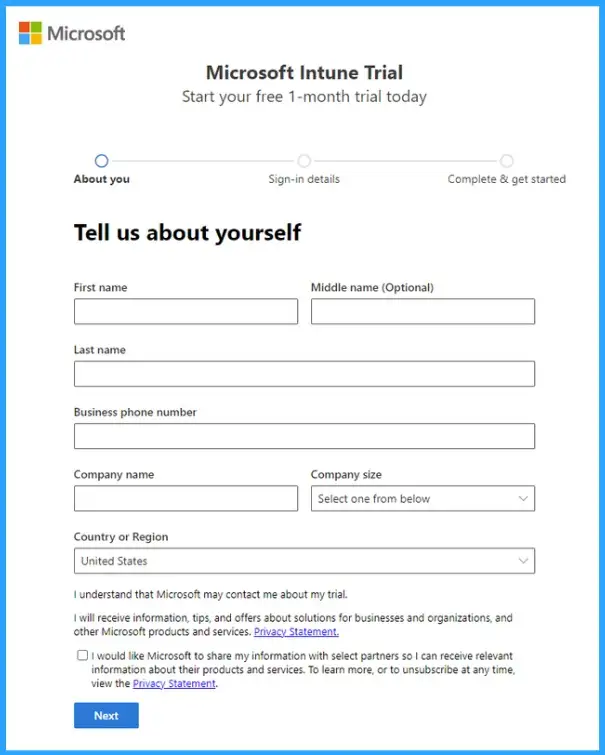
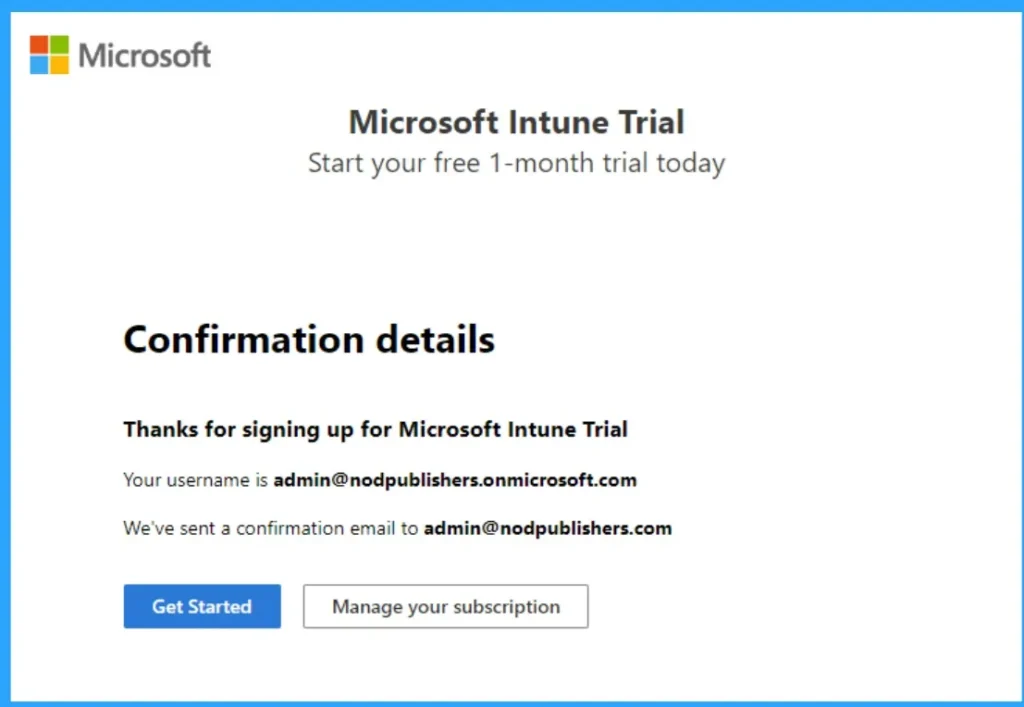
Once the account is created, you can assign licenses to the users who need access for testing. Each user will need their own account to access Intune. Since you mentioned that the account will be needed for 2-3 users for at least six months, you can continue using the trial and then decide to convert it to a paid subscription if necessary.
Need Further Assistance or Have Technical Questions?
Join the LinkedIn Page and Telegram group to get the step-by-step guides and news updates. Join our Meetup Page to participate in User group meetings. Also, Join the WhatsApp Community and WhatsApp Channel to get the latest news on Microsoft Technologies. We are there on Reddit as well.
Author
Anoop C Nair has been Microsoft MVP for 10 consecutive years from 2015 onwards. He is a Workplace Solution Architect with more than 22+ years of experience in Workplace technologies. He is a Blogger, Speaker, and Local User Group Community leader. His primary focus is on Device Management technologies like SCCM and Intune. He writes about technologies like Intune, SCCM, Windows, Cloud PC, Windows, Entra, Microsoft Security, Career, etc.