
key Takeaways
- A bug in the March 2026 Windows security update caused Microsoft account sign-in failures
- Users saw a “No Internet” error even when the connection was working
- The issue affected only personal Microsoft accounts
- Organizations using Microsoft Entra ID were not impacted
How to Resolve Microsoft Account Sign-In Issues Caused by March 2026 Update! After installing the March 2026 Windows security update, some users faced a sign-in issue when accessing Microsoft apps such as Microsoft Outlook and OneDrive. They received a “No internet connection” error during sign-in, even though their internet was working properly. This made it difficult for users to access their apps and services.
Table of Content
Table of Contents
How to Resolve Microsoft Account Sign-In Issues Caused by March 2026 Update
This issue affected only users who were signing in with personal Microsoft accounts. Organisations using Microsoft Entra ID (work or school accounts) were not impacted and continued to function normally.
| Issue | Details |
|---|---|
| Bug in update | The March 2026 update introduced a bug in the sign-in process |
| Incorrect detection | Apps mistakenly detected that there was no internet connection |
| Access blocked | This prevented users from signing in and accessing Microsoft services |
- Enable Disable Show Account Email Address on Sign-in Screen in Windows 11 Using Group Policy Intune
- How to Block Users from Account Details on the Sign-In Policy using Intune
- Control Sign-in Input Methods to Login Screen for Standardize the Windows Sign-In Experience using Intune
How to Fix this Issue
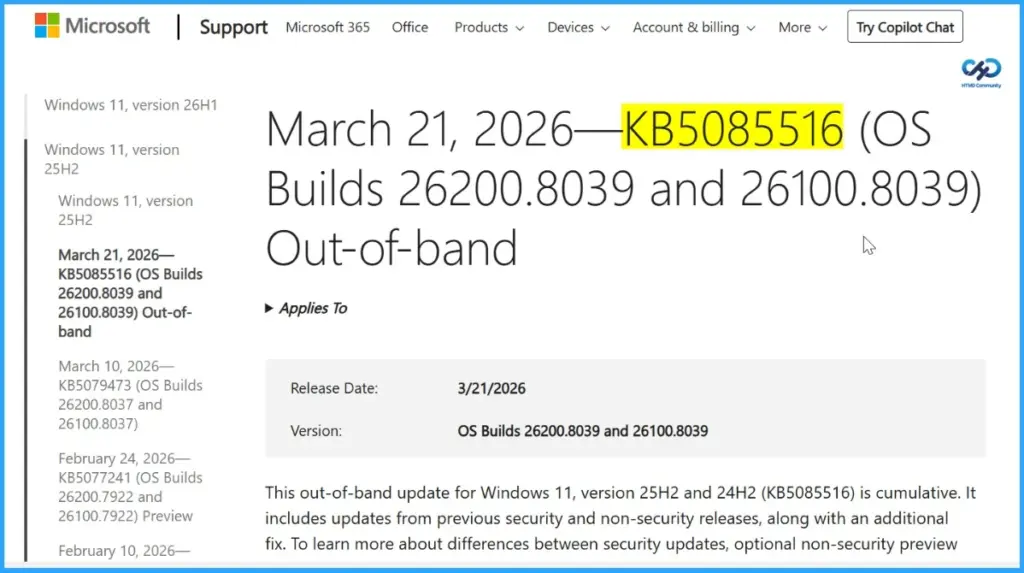
Microsoft resolved the issue by releasing an Out-of-Band (OOB) update on March 21, 2026. This update not only fixes the Microsoft account sign-in problem but also includes all the security improvements and protections from the March 10, 2026 Windows security update, ensuring systems remain secure and fully updated.
| Status | Originating update | History |
|---|---|---|
| Resolved | OS Build 26100.8037 KB5079473 2026-03-10 | Resolved: 2026-03-21, 13:56 PT Opened: 2026-03-19, 19:03 PT |
How to Fix the Microsoft Sign-In Issue with the Latest Update – What Should Users Do
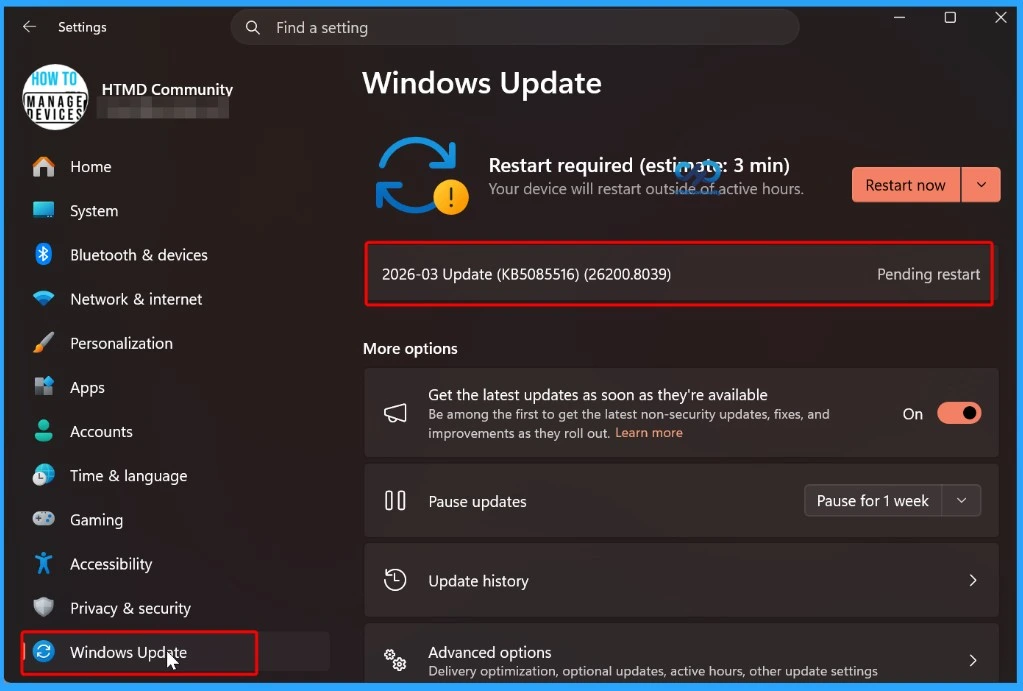
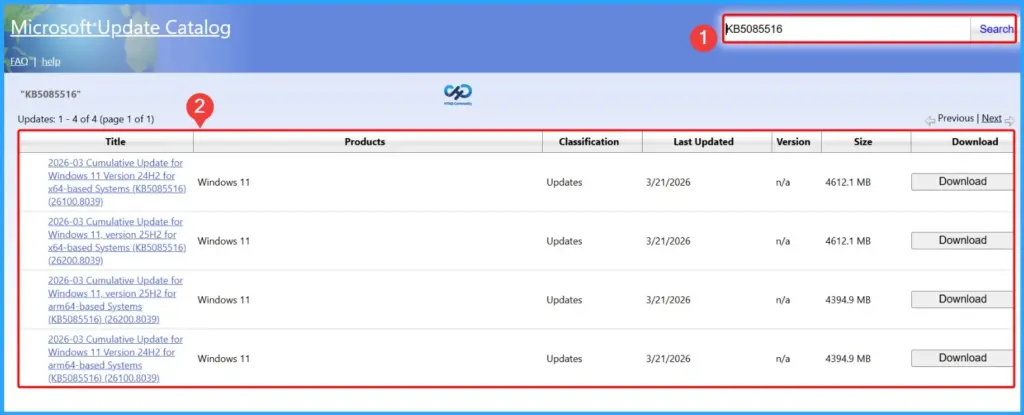
To resolve the issue, users should install the latest update (KB5085516). This update is available through Windows Update or can be downloaded from the Microsoft Update Catalog. Installing this update will fix the sign-in problem and ensure the device has the latest security improvements.

Need Further Assistance or Have Technical Questions?
Join the LinkedIn Page and Telegram group to get the latest step-by-step guides and news updates. Join our Meetup Page to participate in User group meetings. Also, join the WhatsApp Community and the Whatsapp channel to get the latest news on Microsoft Technologies. We are there on Reddit as well.
Author
Anoop C Nair is a Workplace Technology solution architect with 25+ years of experience. Microsoft Certified Trainer. Microsoft MVP from 2015 onwards for consecutive 11+ years! He is a blogger, Speaker, and Founder of HTMD Community and HTMD Conference. His main focus is on Device Management technologies like Intune, Windows, and Cloud PC. He writes about technologies like Intune, SCCM, Windows, Cloud PC, Entra, and Microsoft Security.