
This is a quick post and video about “How to Download the Latest Version of Windows 10 ISO.” There are three methods for downloading the Windows 10 anniversary update (1607).
How to download Windows 10 ISO? Login to TechNet Evaluation Center with Hotmail/Outlook/Live ID and Download Free Windows 10 ISO – Enterprise version. This evaluation is to test Windows 10 1607 for free for 90 days.
How to download Windows 10 ISO 1607 Anniversary update from MSDN? Login to the MSDN Subscriptions Center (for Visual Studio/MSDN subscribers) from here and download the Windows 10 ISO.
In this post, you will find all the details on how to Download the Latest Version of Windows 10 ISO.

Table of Contents
- Difference Between Content Of Windows 10 ISO Media
- Difference Between Content of Windows 10 ISO Media
- How to Download Windows 10 ISO for Free
- Download Windows 10 ISO VHDs for Free
- How to Download the Latest Version of Windows 10 ISO
How to Download Windows 10 ISO 1607 Anniversary Update from VLSC? – How to Download the Latest Version of Windows 10 ISO
You can log in to the Volume Licensing Service Center (for Volume License customers) from here and download the Windows 10 ISO.
If you already use Windows 10 1511, you can get the updated version from Settings –> Update and Security. How do you download Windows 10 Anniversary Update 1607 for your home machines? How do you Download the Latest Version of Windows 10 ISO?
| Download the Latest Version of Windows 10 ISO |
|---|
| Download Windows 10, version 1607 update from Windows Update or Windows Update for Business. |
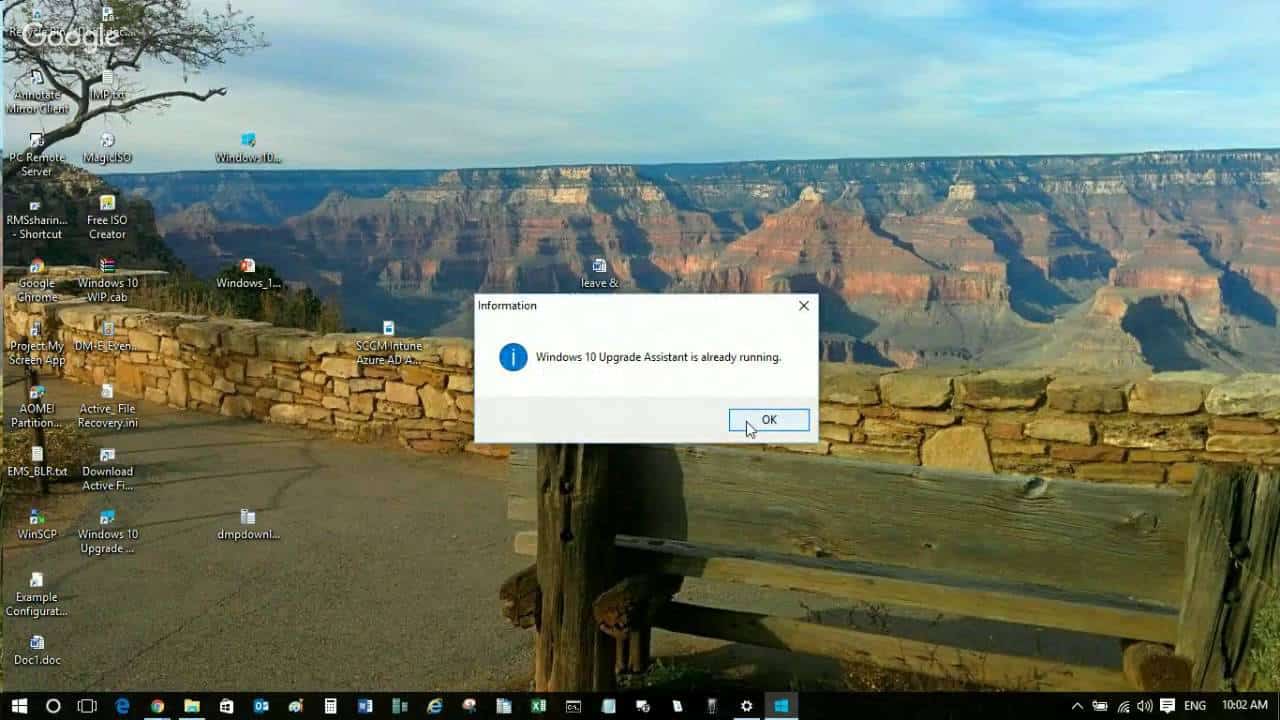
| If updates are not appearing on your Windows 10 machine, use the Windows 10 Update Assistant utility. |
| Download Link |
SCCM Related Posts Real World Experiences Of SCCM Admins
We are on WhatsApp now. To get the latest step-by-step guides, news, and updates, Join our Channel. Click here. HTMD WhatsApp.
Author
Anoop C Nair is Workplace Technology solution architect with 25+ years of experience in global enterprise organizations such as JP Morgan, Capgemini, etc. He is Microsoft Certified Trainer. Microsoft MVP from 2015 onwards for consecutive 11 years! He also conducts Intune and modern workplace tech training for enterprise organizations. He is Blogger, Speaker, and Founder of HTMD Community and HTMD Conference. His focus is on Device Management technologies such as Intune, Windows, Cloud PC, He writes about technologies like Intune, SCCM, Windows, Cloud PC, Windows, Entra, Microsoft Security.
Anoop C Nair is Workplace Technology solution architect with 25+ years of experience in global enterprise organizations such as JP Morgan, Capgemini, etc. He is Microsoft Certified Trainer. Microsoft MVP from 2015 onwards for consecutive 11 years! He also conducts Intune and modern workplace tech training for enterprise organizations. He is Blogger, Speaker, and Founder of HTMD Community and HTMD Conference. His focus is on Device Management technologies such as Intune, Windows, Cloud PC. He writes about technologies like Intune, SCCM, Windows, Cloud PC, Windows, Entra, Microsoft Security.