
Key Takeaways
- Automation can reduce tenant setup time from days to minutes
- Repetitive tasks across multiple customers are ideal for automation
- Start small focus on high-impact tasks like policies and reporting
- Avoid complex areas like Win32 apps until you gain experience
In this post, we are discussing Key Automation Areas in Microsoft Intune for Efficient MSP Operations Across Multiple Tenants. Mr. Erik Loef discussing Automation is quickly becoming essential for Managed Service Providers (MSPs) working with Microsoft Intune in a technical takeoff. As businesses manage more customers and devices, manual work is no longer practical. Tasks that once took days can now be completed in minutes with the right automation approach.
Table of Contents
Table of Contents
Key Automation Areas in Microsoft Intune for Efficient MSP Operations Across Multiple Tenants
For MSPs, time directly impacts revenue. Spending hours on repetitive tasks like policy creation or tenant setup not only slows operations but also reduces profitability. Automation helps teams handle multiple customers efficiently while maintaining consistency and quality. This shift is also about reducing human error. Repeating the same steps across dozens of tenants increases the chances of mistakes.
- Automate the Process of Removing Primary User from Intune Device using Microsoft Graph API
- Best way to Deploy Shell Scripts using Intune
- Run Remediation Script on-demand for Windows Devices using Intune
Key Areas to Automate in Microsoft Intune for Efficient MSP Operations
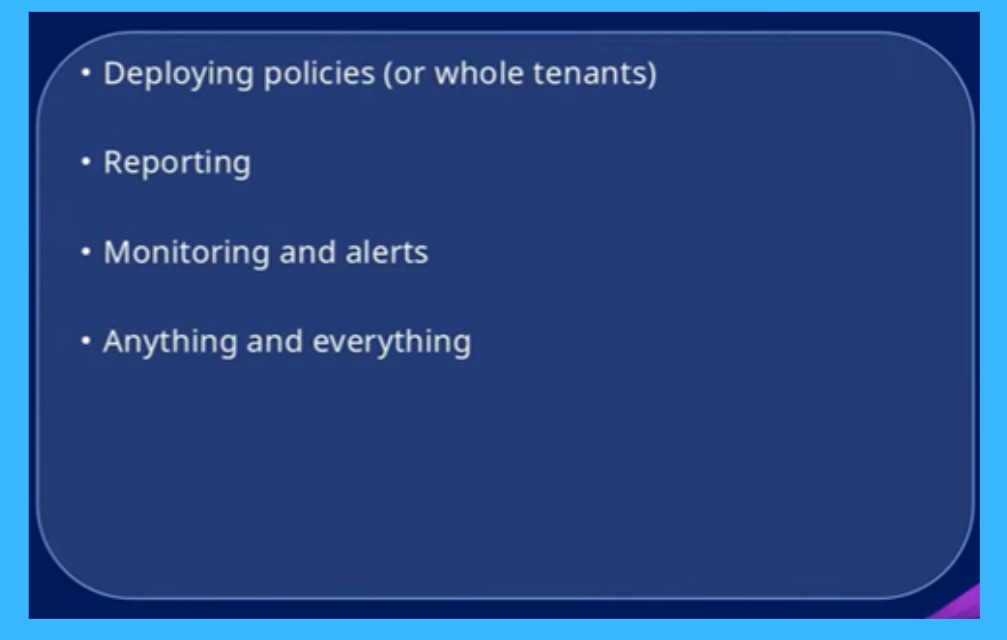
In the below the slide, you can see that in Microsoft Intune, MSPs should focus on automating key tasks such as deploying policies or even entire tenants, generating regular reports, and setting up monitoring with alerts. Instead of doing these tasks manually for each customer, automation helps save time, reduce errors, and improve efficiency.
It also helps that almost anything done through the Intune interface can be automated, especially repetitive work, making it easier to manage multiple customers at scale while improving overall productivity.

| Key Areas in Automate for MSP Operations |
|---|
| Deploying policies (or whole tenants) |
| Reporting |
| Monitoring and alerts |
| Anything and everything |
What to Avoid When Automating in Microsoft Intune
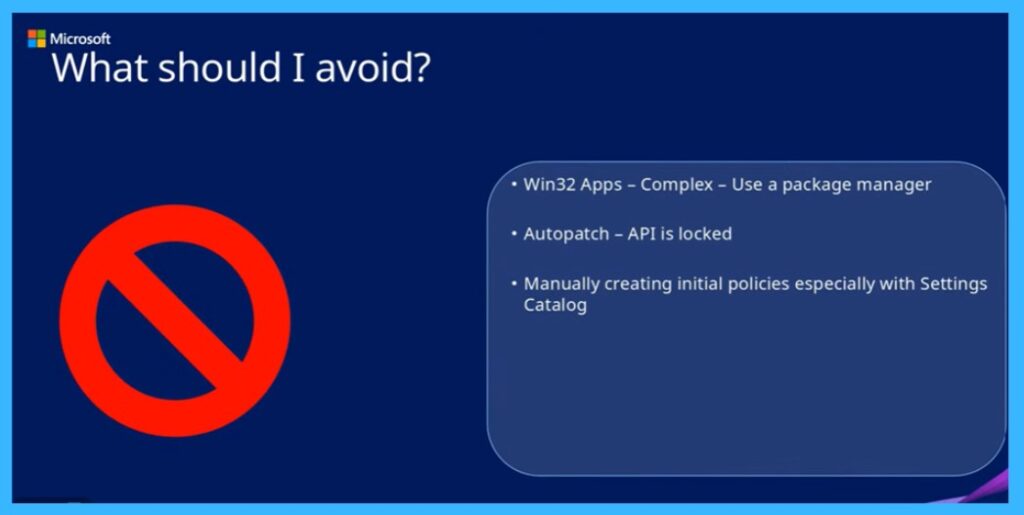
Even though automation is useful, you should not try to automate everything at the beginning. Some tasks like Win32 app deployment are complicated and have many steps, so they can easily cause errors. Autopatch cannot be fully automated because its API is restricted. Also, creating policies from scratch in the Settings Catalog is difficult and confusing.
- So, it’s better to do these tasks manually or reuse existing setups and focus on automating simple and important tasks first.
| What to Avoid When Automating |
|---|
| Win32 Apps – Complex – Use a package manager |
| Autopatch – API is locked |
| Manually creating initial policies especially with Settings Catalog |
How to Get Started with Automation in Microsoft Intune
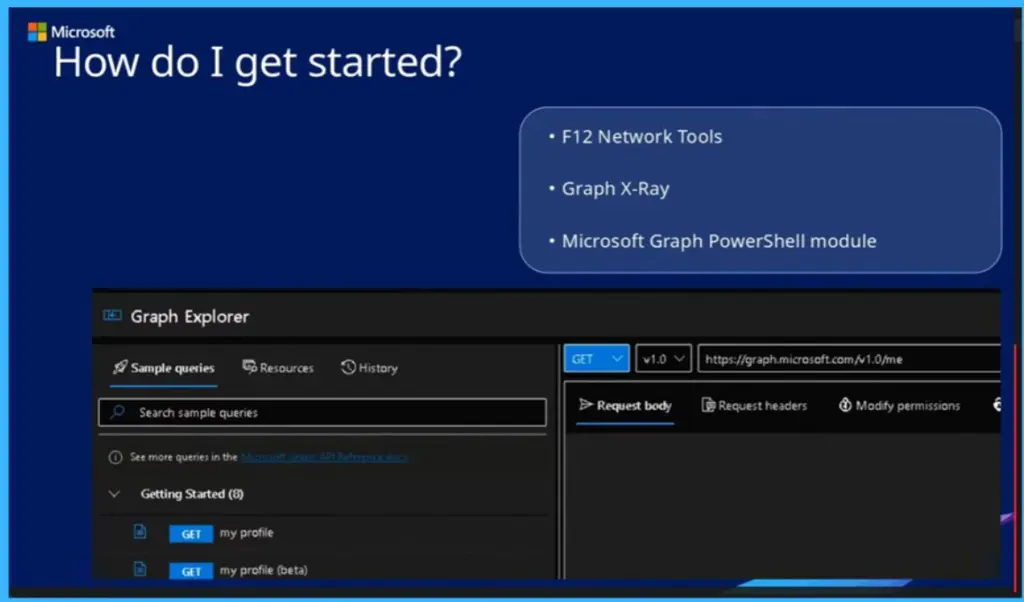
To get started with automation, it is best to use what you already create in the Intune UI. You can use F12 Network Tools in your browser to see the background API calls when you perform actions in Intune, which helps you understand how things work. Adding a filter like “graph” makes it easier to find the right requests.
You can also use Graph X-Ray, which simplifies this process and shows ready-to-use commands. For scripting, the Microsoft Graph PowerShell module is a good option to automate tasks. Also, be aware of batching, where multiple requests are sent together, so you need to review them carefully. Start simple by copying existing configurations in JSON and then slowly move into full automation.
Need Further Assistance or Have Technical Questions?
Join the LinkedIn Page and Telegram group to get the latest step-by-step guides and news updates. Join our Meetup Page to participate in User group meetings. Also, join the WhatsApp Community and the Whatsapp channel to get the latest news on Microsoft Technologies. We are there on Reddit as well.
Author
Anoop C Nair is a Workplace Technology solution architect with 25+ years of experience. Microsoft Certified Trainer. Microsoft MVP from 2015 onwards for consecutive 11+ years! He is a blogger, Speaker, and Founder of HTMD Community and HTMD Conference. His main focus is on Device Management technologies like Intune, Windows, and Cloud PC. He writes about technologies like Intune, SCCM, Windows, Cloud PC, Entra, and Microsoft Security.