
Key Takeaways
- Pool-based Cloud PCs allow multiple agents to share resources, reducing unused capacity and improving efficiency.
- IT admins can manage agents as a group instead of handling individual devices, saving time and effort.
- Automatic reset after each use ensures no leftover data, reducing risk and helping meet compliance needs.
- Agents can run tasks through APIs without needing manual user access, making automation easier to scale.
Enterprise Cloud PCs provide dedicated, persistent Cloud PCs for individual users, offering a personalized and always-available desktop experience. In contrast, Cloud PCs for Agents are designed for shared, pool-based usage, where multiple users such as support agents or shift workers access Cloud PCs temporarily during their shifts.
Table of Content
Table of Contents
Key Differences Between Enterprise Cloud PCs and Cloud PCs for Agents
Cloud PCs for Agents are different from Enterprise Cloud PCs in a few simple ways. Enterprise Cloud PCs are made for one user and keep data over time, while Cloud PCs for Agents are shared by multiple agents and reset after each use.
| Aspect | Enterprise Cloud PCs | Cloud PCs for Agents |
|---|---|---|
| Management model | Device-focused | Pool-focused |
| Assignment | Assigned to a primary human user | Shared across multiple agents |
| Persistence | Persistent per user | Reset after use |
| Access | User access through Windows App | Agentic access through APIs |
| Billing | License-based | Consumption-based |
- Windows 365 for Agents Brings Secure IT-Managed Cloud PCs for Enterprise AI Workloads
- How Windows 365 for Agents Performs Intelligent PowerPoint Editing in Cloud PC
- How Agent 365 and Windows 365 for Agents Enable Secure Governed Control and Execution for Enterprise AI
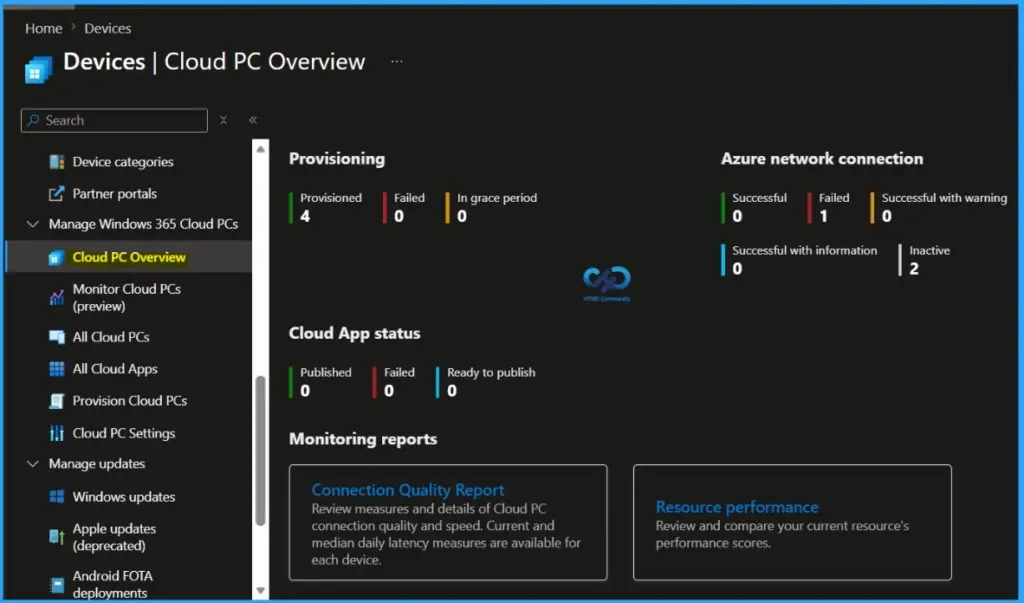
Windows 365 for Agents Introduces a New Class of Cloud PCs
Windows 365 for Agents delivers a new class of Cloud PCs specifically designed for agent-based workloads, built on the same powerful Windows 365 platform. It enables flexible, shared, and on-demand access for agents while maintaining the reliability, security, and scalability of the core service.
Need Further Assistance or Have Technical Questions?
Join the LinkedIn Page and Telegram group to get the latest step-by-step guides and news updates. Join our Meetup Page to participate in User group meetings. Also, join the WhatsApp Community and the Whatsapp channel to get the latest news on Microsoft Technologies. We are there on Reddit as well.

Author
Anoop C Nair is a Workplace Technology solution architect with 25+ years of experience. Microsoft Certified Trainer. Microsoft MVP from 2015 onwards for consecutive 11+ years! He is a blogger, Speaker, and Founder of HTMD Community and HTMD Conference. His main focus is on Device Management technologies like Intune, Windows, and Cloud PC. He writes about technologies like Intune, SCCM, Windows, Cloud PC, Entra, and Microsoft Security.