
Key Takeaways
- Android 15 Blocking Authenticator as Password Autofill.
- A new policy (Credential Provider Policy) now manages it.
- Intune does not currently support this setting.
- That’s why autofill shows Blocked by work policy.
In this post we are discussing How to Fix Android 15 Blocking Authenticator as Password Autofill Provider in Intune. Organizations managing fully managed Android Enterprise devices through Microsoft Intune are experiencing an issue after upgrading devices to Android 15. The system password autofill setting becomes unavailable and shows as Blocked by work policy.
Table of Contents
Table of Contents
Troubleshooting Android 15 Blocked by Work Policy Autofill Issue in Intune
The main reason for this issue is that Android 15 added a new internal control called CredentialProviderPolicy. This control decides whether users can choose or change their password autofill app. But right now, this setting is not available in the Microsoft Intune admin center. That means IT admins cannot see it, change it, or turn it on.
- Software Update Patching Options With Intune Setup Guide
- Enable Automatic Updates For MacOS Devices Using Intune
- How to Block OS Updates on iOS Devices using Intune
- Protect Corporate Data using Data Loss Protection Policies with Microsoft Purview Portal
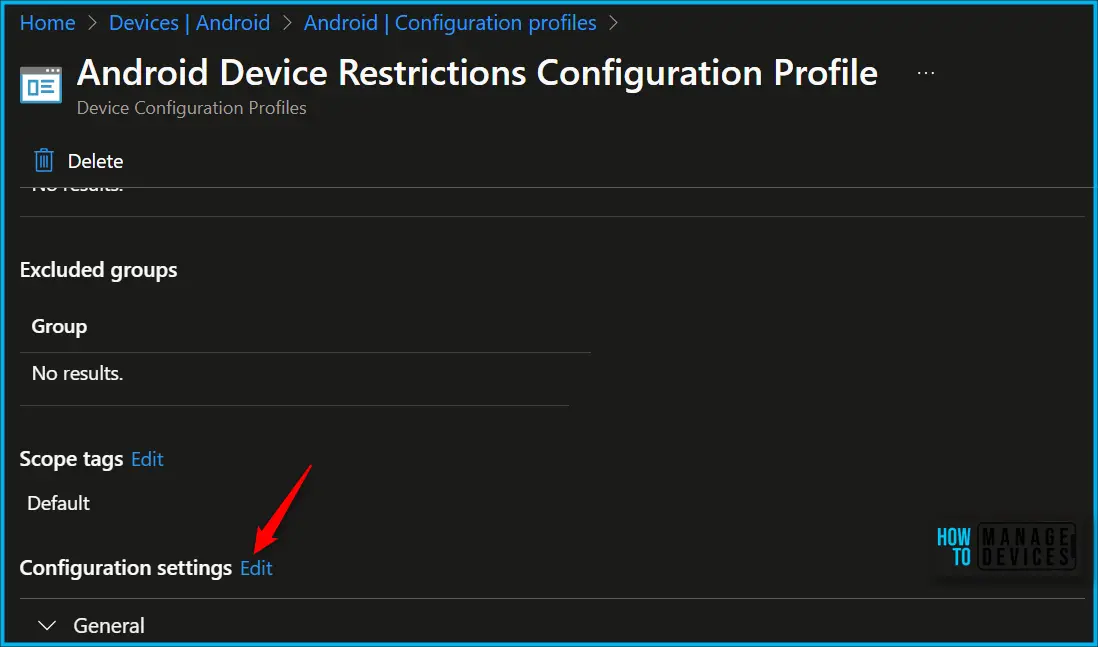
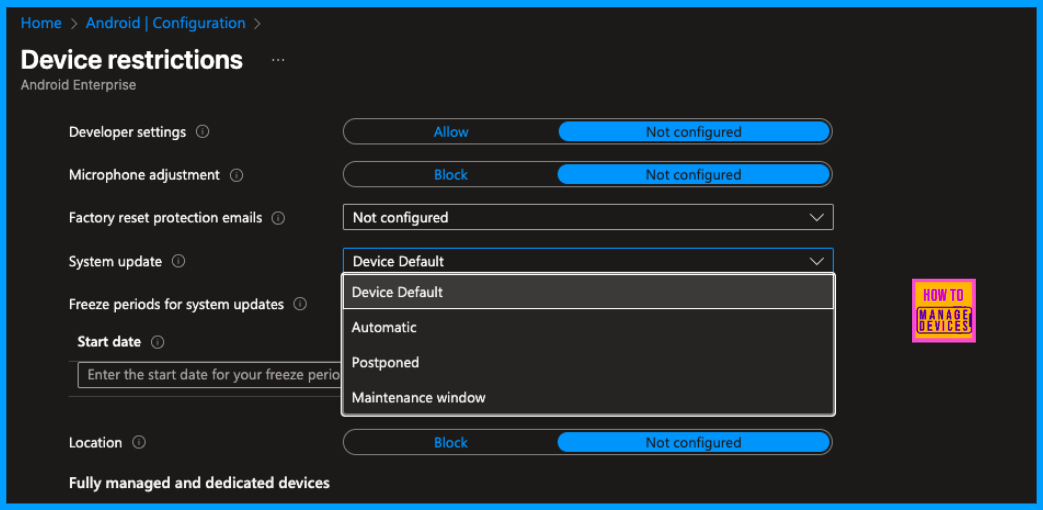
See More: Configure Android System Update Setting Using Intune
Why This Happens
When devices are updated to Android 15, Google changed how password autofill works on company-managed phones. Now, Android uses a new internal control called Credential Provider Policy to decide whether users can choose a password autofill app. Sometimes problem occurs during:

- Credential Provider Policy is the Android Enterprise policy that controls whether a device can set or change the autofill provider.
- In android 14, This setting was quietly allowed by Microsoft Intune, even though you couldn’t see it in the admin center. Because of that, users were able to set apps like Microsoft Authenticator as their password autofill provider without any issue.
- But in Android 15, Now, if Intune does not clearly configure this setting, Android automatically blocks it.
What is the Consequence of the Issue
This issue blocked migration for organizations moving from Android 14 to 15, since password autofill stops working. Users cannot set password managers like Microsoft Authenticator as the autofill provider. This blocks normal password workflows in organizational environments.
See more related restrictions: Learn How to Streamline Android OS Updates using Intune
Workaround
In the MS tech community discussed less workaround for this. We can say that no direct workaround exists In the factory rest options and removing the restrictions profiles does not fixing this issue. In that case some admins suggesting as to Delay Upgrading to Android 15 as suggestion Organizations are advised to stay on Android 14 for fully managed corporate devices if password autofill is important. Since the issue only appears after upgrading to Android 15, postponing the upgrade avoids the problem.
Need Further Assistance or Have Technical Questions?
Join the LinkedIn Page and Telegram group to get the step-by-step guides and news updates. Join our Meetup Page to participate in User group meetings. Also, Join the WhatsApp Community and WhatsApp Channel to get the latest news on Microsoft Technologies. We are there on Reddit as well.
Author
Anoop C Nair has been Microsoft MVP for 10 consecutive years from 2015 onwards. He is a Workplace Solution Architect with more than 22+ years of experience in Workplace technologies. He is a Blogger, Speaker, and Local User Group Community leader. His primary focus is on Device Management technologies like SCCM and Intune. He writes about technologies like Intune, SCCM, Windows, Cloud PC, Windows, Entra, Microsoft Security, Career, etc.