

Key Takeaways
- AI in OneDrive helps you quickly understand and work with files
- Easier file search with smart search, OCR, and offline access
- Quickly create documents and content using AI
- Simple sharing with one link and better permission control
In this post, we are discussing Microsoft recently updated OneDrive with new features focused on AI, faster file access, and easier collaboration. The update aims to make files more useful by helping users quickly understand, find, and work on their preference. With built-in AI and smarter tools, OneDrive now allows users to summarize files, search more easily, and create new documents without extra effort. These improvements are designed to save time and simplify daily work.
Table of Contents
Table of Contents
Microsoft Expands OneDrive with Copilot AI Advanced Search, and Markdown Capabilities
Microsoft also added better sharing options and stronger security controls, making it easier for teams to collaborate while keeping data safe across Microsoft 365. Artificial intelligence is now deeply integrated into OneDrive through Copilot features. Users can summarize documents, analyze PDFs, compare file versions, and even extract insights from images without leaving the platform.
| Feature Area | New Capabilities |
|---|---|
| AI-powered actions | Copilot can summarize files, compare versions, extract image details, recap meetings. |
| File support | Markdown editing, OCR for PDFs on mobile, offline iPad search, semantic search in File Explorer. |
| Collaboration | Hero Links unify sharing, ownership transfer preserves permissions, refreshed SharePoint libraries. |
| Sync and platforms | Sync up to 1M items (Windows), refreshed macOS design, iOS previewer, custom folder naming. |
| Governance | File-level archive in SharePoint, expiration policies for org-wide links. |
- Benefits of OneDrive Hide Deleted Files Reminder using Intune Policy
- Prevent users from Moving their Windows Known Folders to OneDrive
- Enable Removable Drive Locations Policy in Windows for Indexing Control using Intune
- Manage OneDrive Upload Speed with Windows LEDBAT in Microsoft Intune
Search and Productivity Features
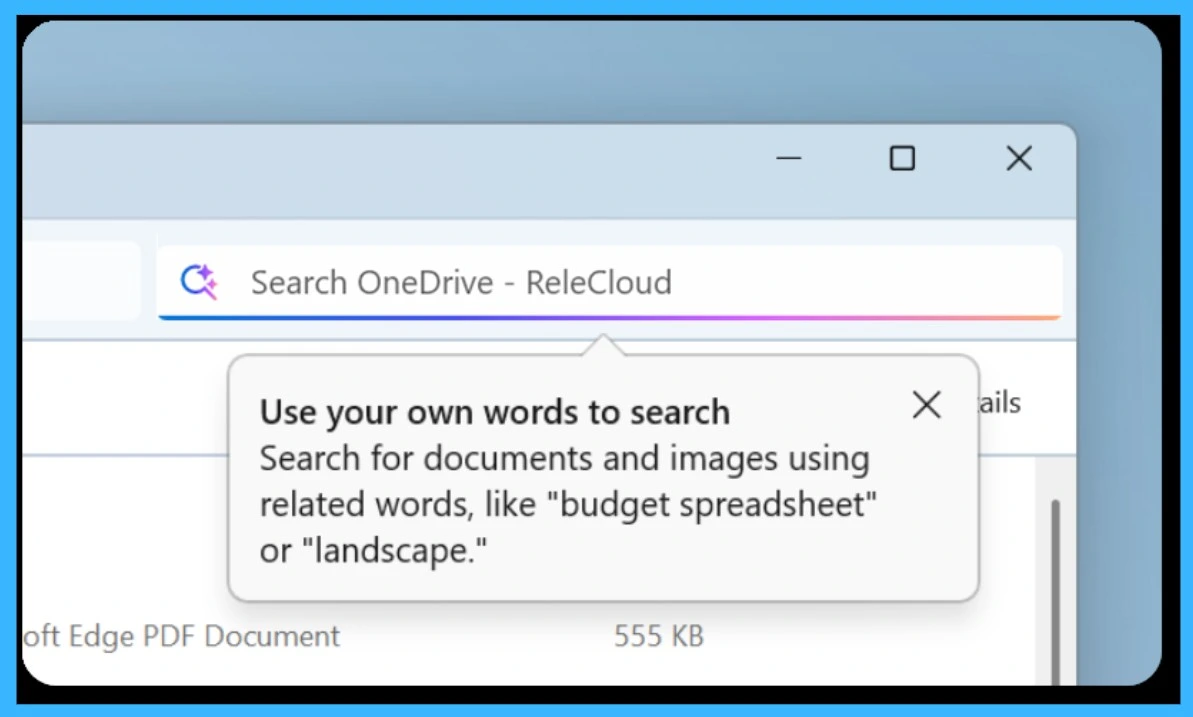
New capabilities like OCR for mobile, semantic search, and offline search significantly improve how users find and use files. Even without internet access, users can locate files easily, while AI helps interpret content instead of relying only on file names. Additionally, support for and improved PDF handling ensures users can work with different file types directly in the browser, reducing the need for third-party tools and speeding up workflows.
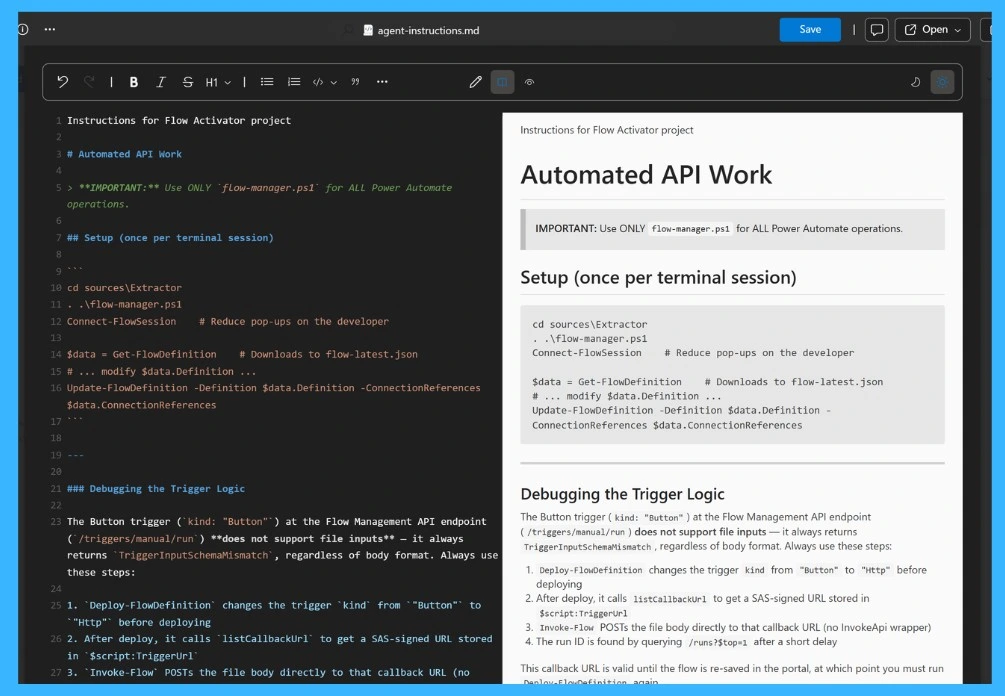
Edit Markdown Files Directly in OneDrive
OneDrive now supports Markdown (.md) files, allowing users to create, view, and edit them directly in the browser. As shown, you can see both the raw text and the formatted preview side by side, making it easier to write and manage content. This feature is especially useful for developers and teams who work with documentation, as it removes the need for external editors and keeps everything within OneDrive for faster and smoother workflows.

Need Further Assistance or Have Technical Questions?
Join the LinkedIn Page and Telegram group to get the latest step-by-step guides and news updates. Join our Meetup Page to participate in User group meetings. Also, join the WhatsApp Community and the Whatsapp channel to get the latest news on Microsoft Technologies. We are there on Reddit as well.
Author
Anoop C Nair has been Microsoft MVP for 10 consecutive years from 2015 onwards. He is a Workplace Solution Architect with more than 22+ years of experience in Workplace technologies. He is a Blogger, Speaker, and Local User Group Community leader. His primary focus is on Device Management technologies like SCCM and Intune. He writes about technologies like Intune, SCCM, Windows, Cloud PC, Windows, Entra, Microsoft Security, Career, etc