
Key Takeaways
- Community Learning – Training by the HTMD community with real industry experience
- Expert Coaching – Learn Microsoft Intune from experienced industry experts and Microsoft MVPs.
- 80% Practical Learning – Focus on hands-on training with real-world examples.
- Live Chat Support – Get help and clear doubts directly from trainers.
- Self-Paced Learning – Learn at your own speed with flexible content.
This course helps you learn Microsoft Intune from experienced experts, including Microsoft MVPs. It mainly focuses on practical learning (80%) with real-life examples, so you can gain useful skills and build a portfolio. You also get live chat support to clear your doubts during the course.
Table of Content
Table of Contents
HTMD Video – Mastering Microsoft Intune with Expert Coaching
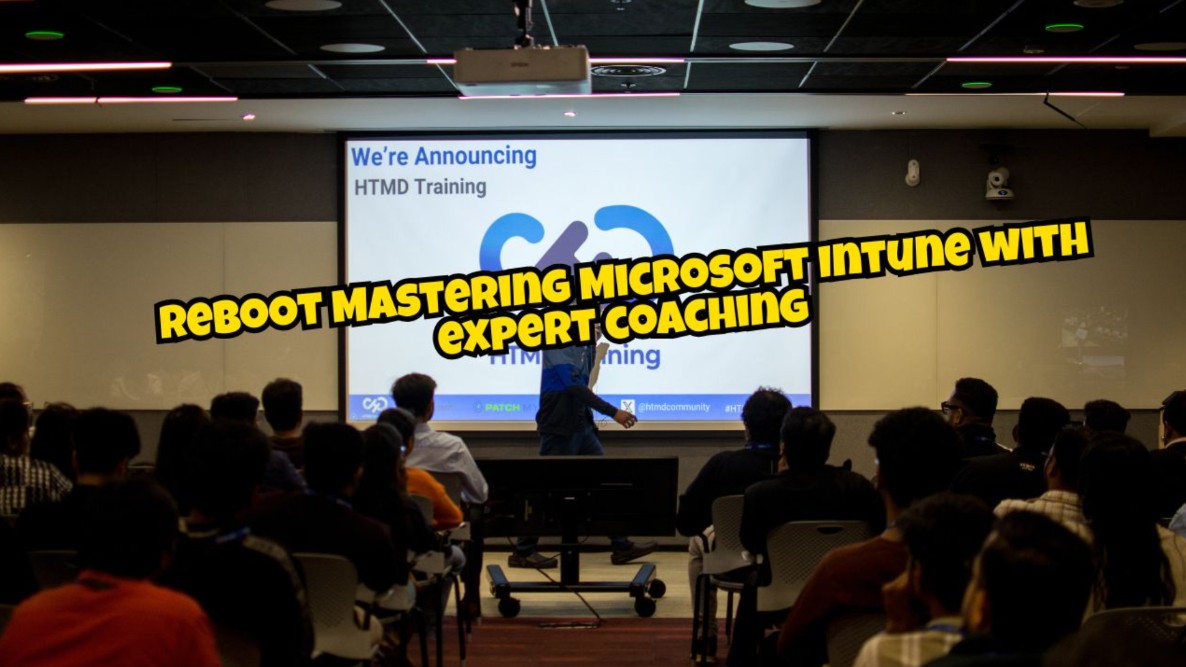
In this video, Anoop Sir announced the launch of the Reboot Mastering Microsoft Intune with Expert Coaching program. The session introduces a structured learning approach focused on modern workplace technologies, especially Microsoft Intune, with a strong emphasis on practical, real-world implementation.
Reboot Mastering Microsoft Intune with expert coaching, Live Chat Support Real World 80% LAB
The training is self-paced, so you can learn anytime at your own speed. It covers real-world topics that help in your job and career growth. There is also a limited-time 30% discount, which you can get by asking for a coupon in the comments.
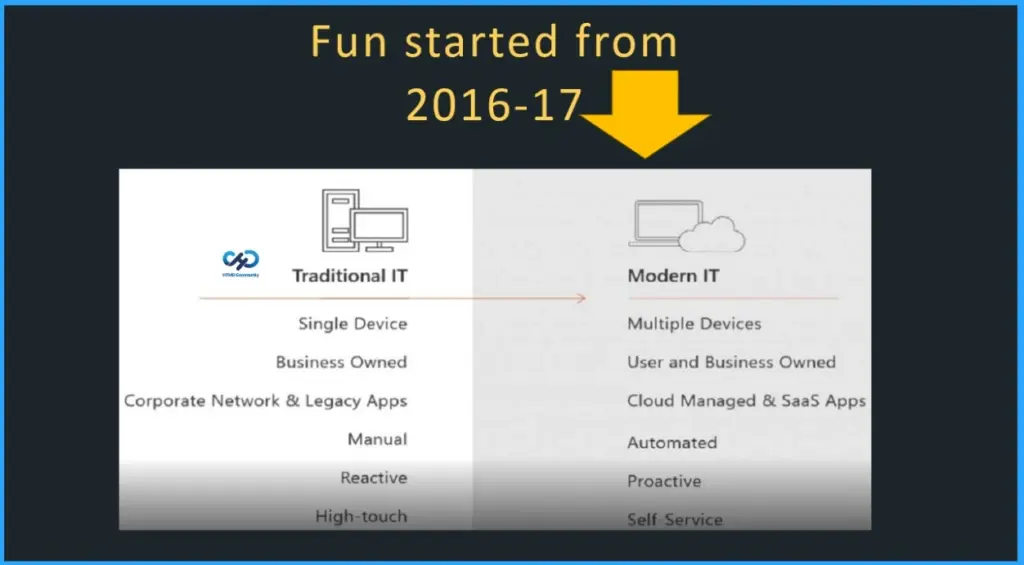
| Traditional IT | Modern IT |
|---|---|
| Single Device | Multiple Devices |
| Business Owned | User and Business Owned |
| Corporate Network & Legacy Apps | Cloud Managed & SaaS Apps |
| Manual | Automated |
| Reactive | Proactive |
| High-touch | Self Service |
- Intune Exam MD 102 Study Guide Starter Kit – Microsoft Intune Certification
- Intune Training Course 2023
- Microsoft Intune Training Course Intune Certification | Free training Videos
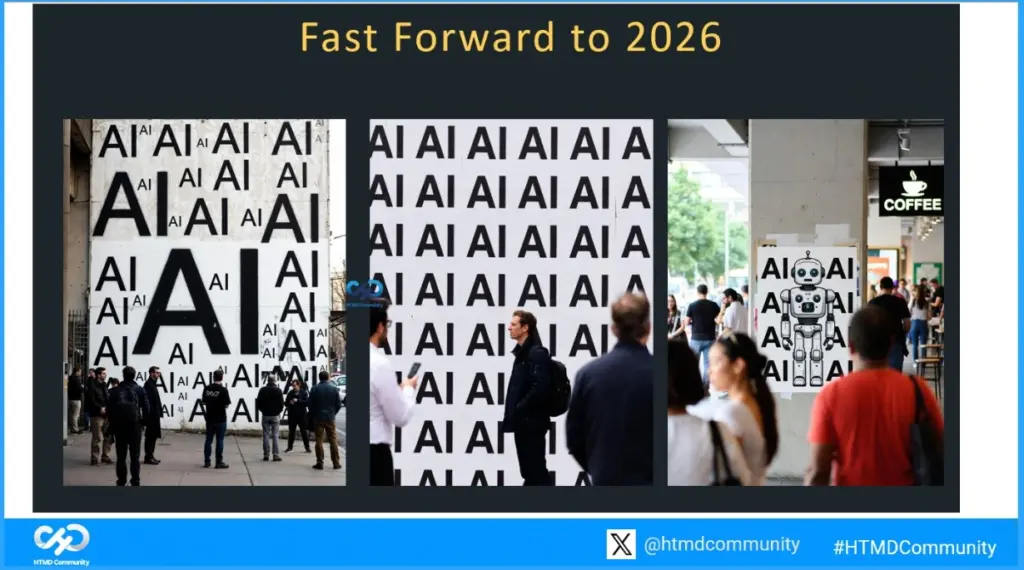
Fast Forward to 2026
AI in Microsoft Intune helps simplify device management and improve security by automating routine tasks. It can quickly detect risks, suggest recommended actions, and help IT teams fix issues faster without manual effort. AI also helps in identifying unusual device behavior, improving compliance, and ensuring devices stay secure with minimal intervention.

HTMD Community Brings Real Industry Experience to Your Learning
HTMD Community comes with a wealth of real-world experience and knowledge. Through this, we aim to provide a practical and hands-on learning experience that reflects real industry scenarios, helping you gain skills that truly matter.
Understand the Core of Microsoft Intune
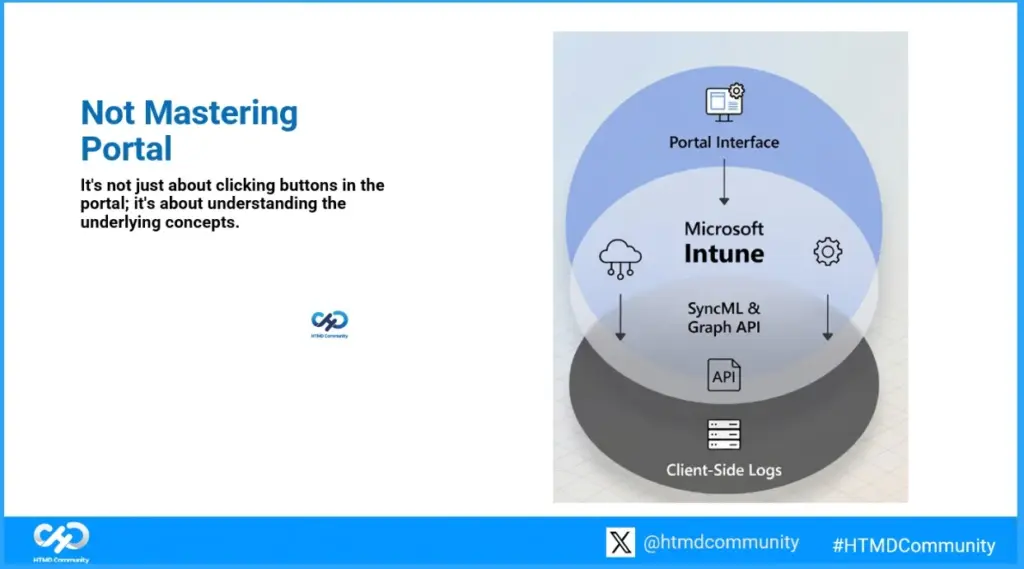
Mastering Microsoft Intune is not just about clicking through the portal. It’s about understanding how everything works behind the scenes. From the portal layer to APIs like Graph and SyncML, and down to client-side logs, true expertise comes from knowing the underlying concepts.
Agent vs Agentless
Earlier, IT teams had to choose between agent-based and agentless approaches. But now, it’s not about choosing one over the other. Today, both methods are used together. Agent-based solutions give deeper control and monitoring, while agentless methods are quick and easy for certain tasks.
Master IntuneWin Packaging for Better App Management
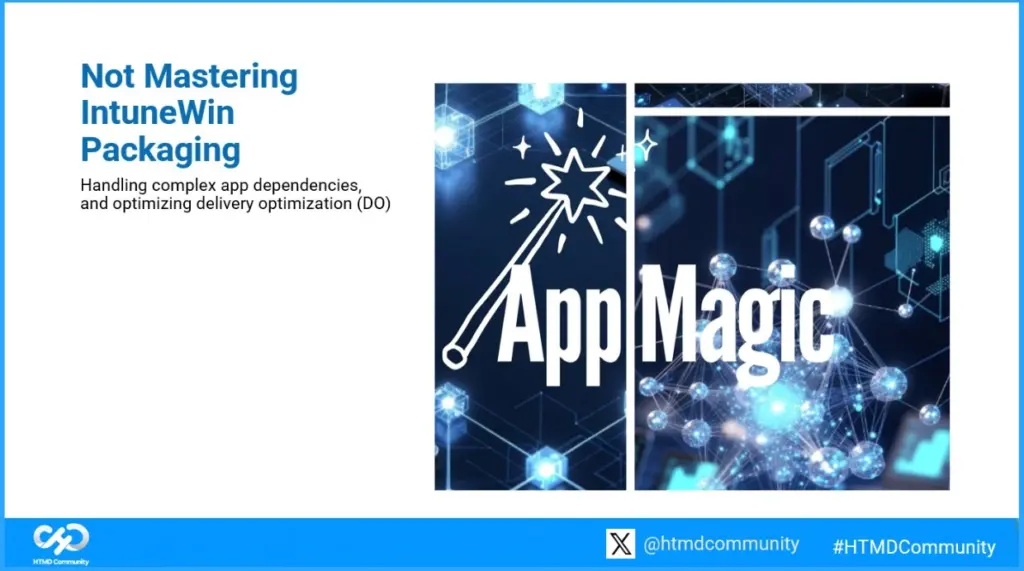
Another important point is that Intune packaging is not about mastering something complex. It’s really just about collecting the required files and zipping them into an IntuneWin package. There’s no magic involved here, despite how it might sound. IntuneWin packaging is simple.
Understand Configuration Profiles
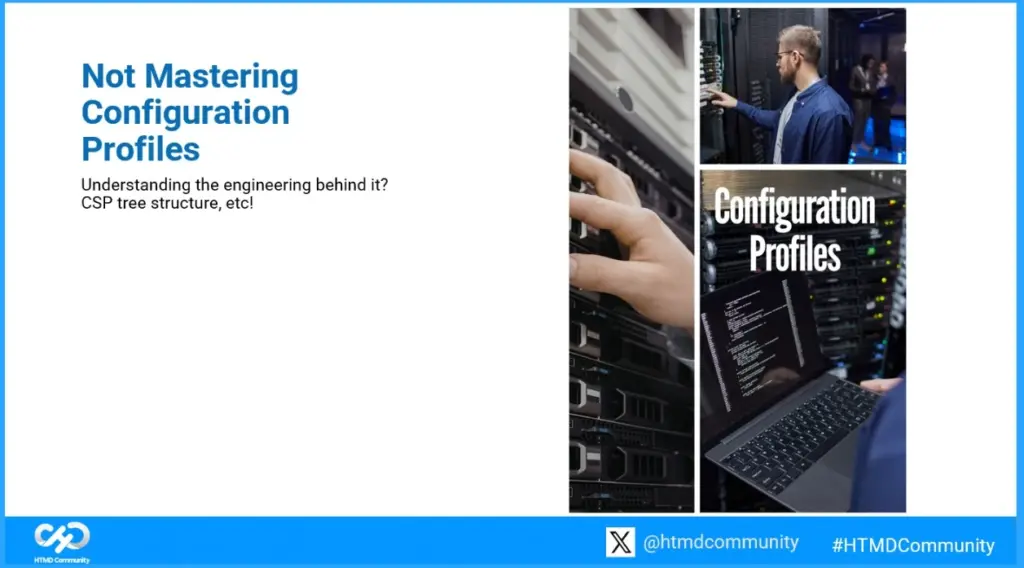
Configuration profiles are not just about applying settings in Intune. It’s important to understand how they work behind the scenes, including concepts like the CSP (Configuration Service Provider) structure. This deeper knowledge helps you configure devices correctly, troubleshoot issues, and manage policies more effectively.
Not Mastering Endpoint Security
HTMD Intune Training provides IT professionals with in-depth knowledge of Microsoft Intune for device and application management. This training covers endpoint security, policy deployment, compliance management, and troubleshooting across Windows, macOS, iOS, and Android devices.
Not Mastering Names of Software Update Policies – Patching Update
Patching is another important area to understand. You may hear different terms like SCCM patching, Intune patching, or other names, but the core idea remains the same. It’s all about keeping systems up to date with the latest security updates and fixes.
Not Mastering Microsoft Docs – scaling
Microsoft Docs is a great resource with a lot of detailed information. However, don’t try to memorise everything from the documentation just before an interview. Instead, focus on understanding the key concepts. It’s also helpful to look at real-world best practices shared by experts, as they give you practical insights and make it easier to explain things during the interview.
Not Introducing New Echo Systems
Another important thing to remember is that organizations usually don’t want to completely change their existing ecosystem when moving to Intune. The key focus here is reuse. Instead of replacing everything, they prefer to reuse as much of their current setup as possible
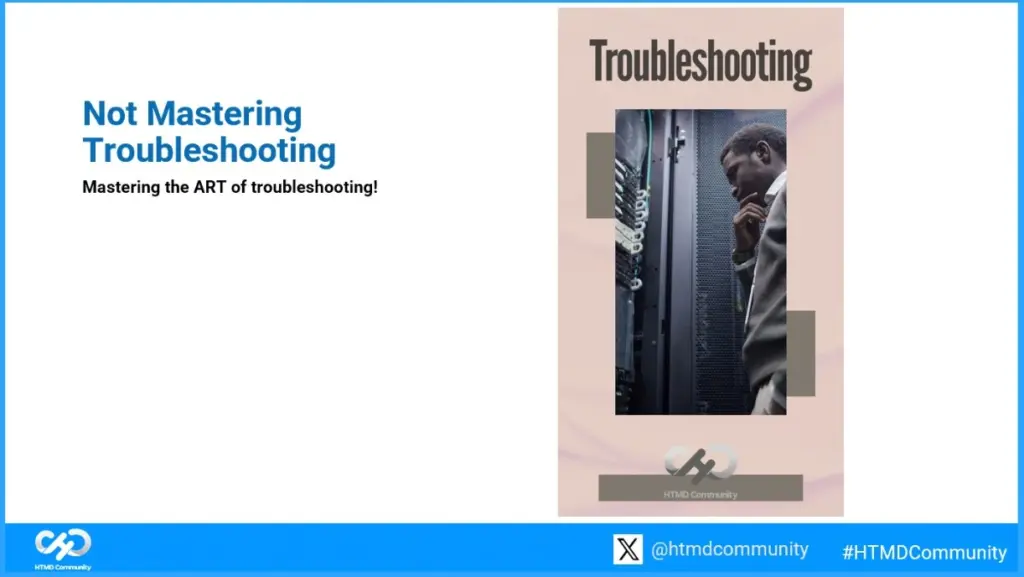
Not Mastering Troubleshooting
It’s better to understand the art of troubleshooting rather than trying to go deep into everything. Focus on a logical approach, knowing what to check and how to identify the issue step by step. If it’s not required, avoid going into deep-level troubleshooting. Always handle issues based on your job role and responsibilities so your efforts remain focused and practical.
This Challenge is for Those Who are Ready to Try
This challenge is for those who are ready to try. If you accept it, the next step is to scan, look carefully, explore, and take action. It’s a chance to test your skills and get involved, not just watch.
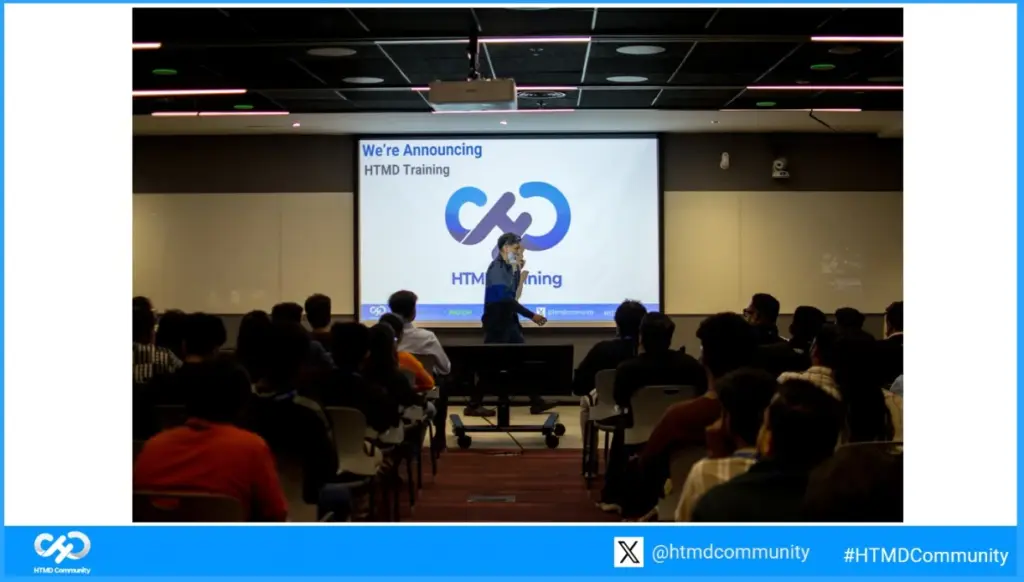
HTMD Training
The HTMD Community creates high-quality content for IT professionals, especially system administrators working with SCCM, Intune, Windows 11, and other modern workplace technologies. We also offer free online training on various technologies like ConfigMgr, Intune, and Windows 11, helping IT professionals improve their skills at their own pace.
In addition, the community hosts online and in-person conferences and runs a mentorship program. This program helps members grow by contributing to the community and learning from experienced professionals.
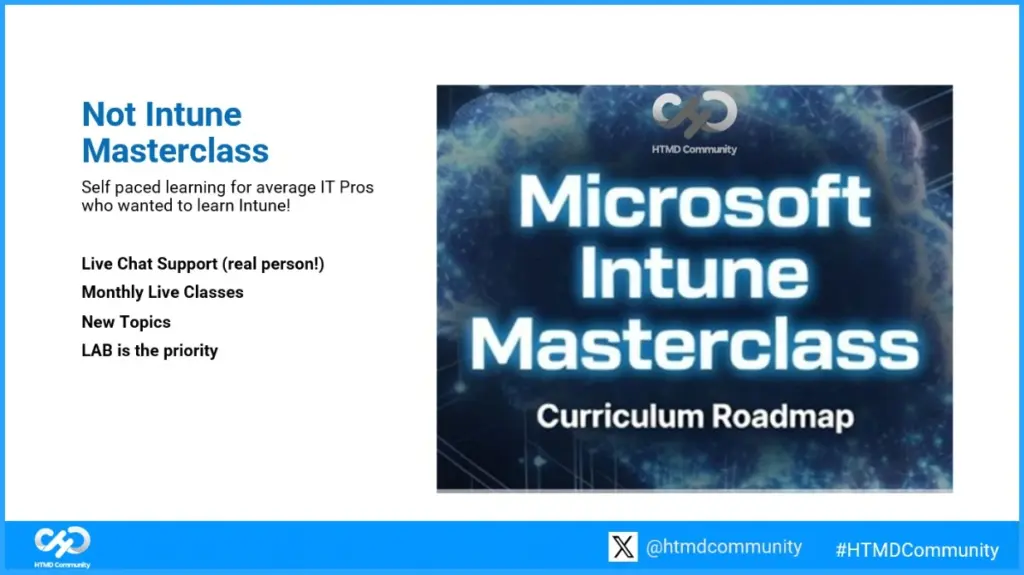
Microsoft Intune Masterclass
The Microsoft Intune Masterclass offers self-paced learning for IT professionals who want to master Intune. The course emphasises hands-on labs and practical experience, covering new topics each month through live classes. Learners also get live chat support from real instructors to clear doubts, ensuring a guided and effective learning experience.
Learn Intune from Real Experts
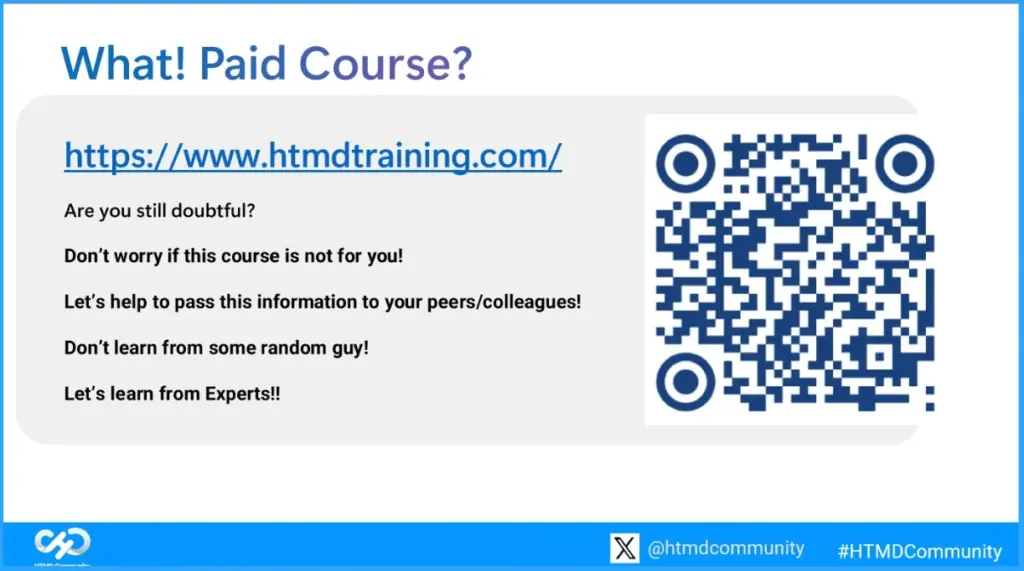
If you are unsure about this course, don’t worry, it might not be for everyone. Share this with your friends or colleagues so they can benefit too. Learn from experts, not random people, and get real, practical knowledge you can trust
For more details – https://www.htmdtraining.com or scan the QR code.
Thank You All
Thank you all for your time and support.
Need Further Assistance or Have Technical Questions?
Join the LinkedIn Page and Telegram group to get the latest step-by-step guides and news updates. Join our Meetup Page to participate in User group meetings. Also, join the WhatsApp Community and the Whatsapp channel to get the latest news on Microsoft Technologies. We are there on Reddit as well.
Author
Vidya. M. A – Experienced Intune Consultant and Technical Content Creator with 5+ years of hands-on experience in Microsoft Intune and community-driven technical blogging. Proven expertise in designing, deploying, and validating Intune policies, along with creating clear, step-by-step technical content for IT professionals. Recognised for contributing high-quality technical content, improving security compliance, and supporting community growth through consistent knowledge sharing.