
Key Takeaways
- KB5129195 fixes connection problems with Remote Desktop.
- It fixes certain USB and multichannel audio problems.
- Issues affecting Claude Cowork and WSL-based apps are fixed.
- Explorer crashes, File History, and AMD GPU issues are not fixed yet.
- KB5129195 also includes security fixes and previous Windows updates.
KB5129195 is an important Windows 11 emergency update that helps you fix several problems caused by the September 2026 update. It improves Remote Desktop connections, fixes some audio problems, and resolves issues affecting certain apps and WSL-based applications.
Table of Content
Table of Contents
Windows 11 KB5129195: Emergency Update Fixes Remote Desktop Audio and App Issues
This update does not fix all known problems. Issues such as some audio failures, Explorer crashes, File History problems, and AMD GPU errors may still affect some devices. The update also includes important security fixes and previous updates to help keep Windows 11 secure and stable.
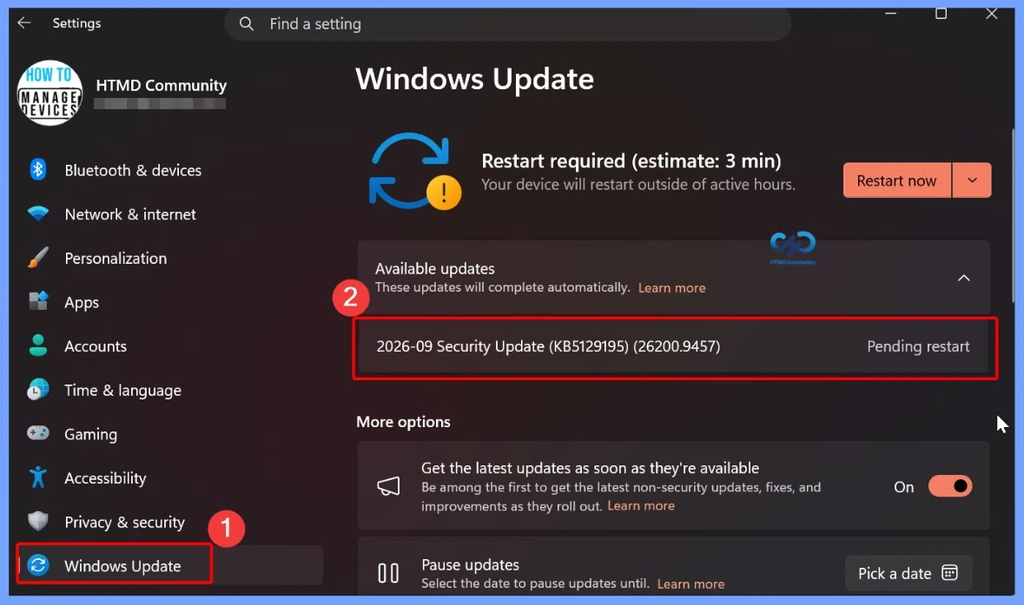
- 2026-09 Security Update (KB5129195) (26200.9457)
- Microsoft Fixes 973 Security Vulnerabilities and 2 Zero-Day Vulnerabilities in September 2026 Patch Tuesday
- Windows 11 Version Numbers Build Numbers Major Minor Build Rev
- Updated Windows 11 End-of-Life Dates
- Top 83 Windows 11 Desktop Admin Interview Questions
Windows 11 KB5129195: Key Fixes and Security Improvements
Microsoft released Windows 11 KB5129195 as an emergency update to address some issues reported after the September 2026 update. Along with an additional security fix, it improves problems related to Remote Desktop, audio, local storage access, and applications using Windows folders with Linux virtual machines.
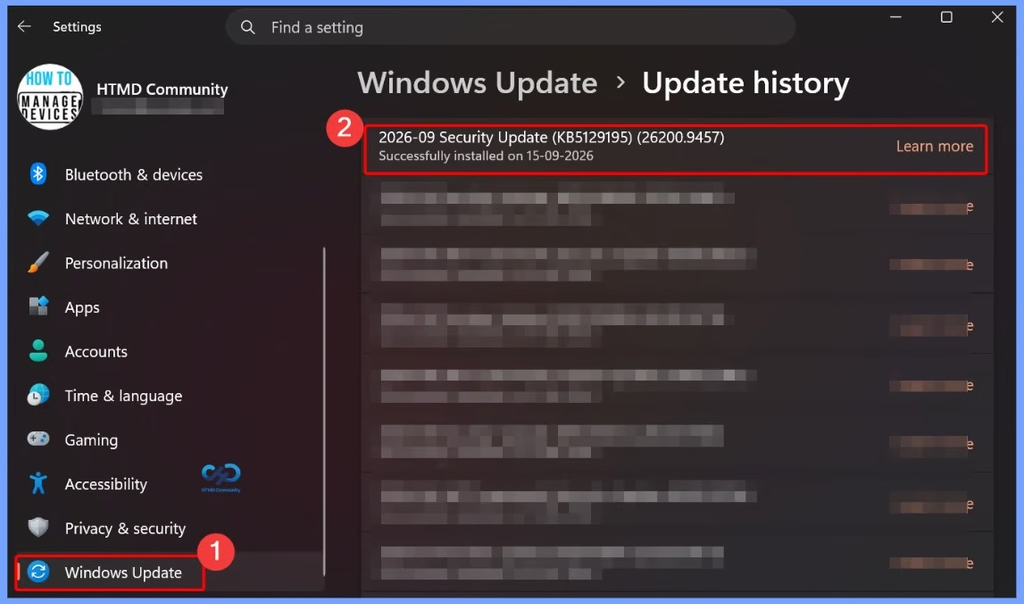
- 2026-09 Security Update (KB5129195) (26200.9457)
- Successfully installed on 15-09-2026
| Key Fixes | Details |
|---|---|
| Security | Adds extra protection against the CVE-2026-62721 vulnerability. |
| Remote Desktop | Fixes some connection and sign-in issues with Remote Desktop Services. |
| Audio issue fixed | Resolves certain USB multichannel audio problems, including 8-channel and 3D audio. |
| Claude Cowork | Fixes an issue that prevented access to local Windows storage. |
| WSL applications | Addresses problems with applications accessing shared Windows folders through Linux virtual machines. |
| Some issues remain | A few audio problems, including Code 10 errors, may still occur after installing the update. |
Need Further Assistance or Have Technical Questions?
Join the LinkedIn Page and Telegram group to get the latest step-by-step guides and news updates. Join our Meetup Page to participate in User group meetings. Also, join the WhatsApp Community and the Whatsapp channel to get the latest news on Microsoft Technologies. We are there on Reddit as well.

Author
Anoop C Nair is Workplace Technology solution architect with 25+ years of experience in global enterprise organizations such as JP Morgan, Capgemini, etc. He is Microsoft Certified Trainer. Microsoft MVP from 2015 onwards for consecutive 11 years! He also conducts Intune and modern workplace tech training for enterprise organizations. He is Blogger, Speaker, and Founder of HTMD Community and HTMD Conference. His focus is on Device Management technologies such as Intune, Windows, Cloud PC. He writes about technologies like Intune, SCCM, Windows, Cloud PC, Windows, Entra, Microsoft Security.