
Key Takeaways
- Sign-in Error Code 500121 in Microsoft Intune
- It is not a system failure but an authentication interruption
- Security controls are functioning correctly
- Admins should monitor repeated failures for potential risk signals
Let’s discuss How to Troubleshoot Sign-in Error Code 500121 in Microsoft Intune. Recently, some users noticed that several login failures were related to Multi-Factor Authentication (MFA). These were found in the Sign-in logs under the Users section. The logs showed that users were failing during the strong authentication step.
Table of Contents
Table of Contents
How to Troubleshoot Sign-in Error Code 500121 in Microsoft Intune
In Microsoft Intune, the Sign in details show that the error indicates in the Error code 500121. This means the login failed while trying to complete MFA. MFA was required, but the user did not successfully finish the verification process. This does not mention that the password is wrong.
- Best Set of Updated Windows 11 Password Policies
- Entra External ID Now Supports SMS as an MFA Option
- MFA Authentication now Added to WhatsApp
Where Can You Find This Error
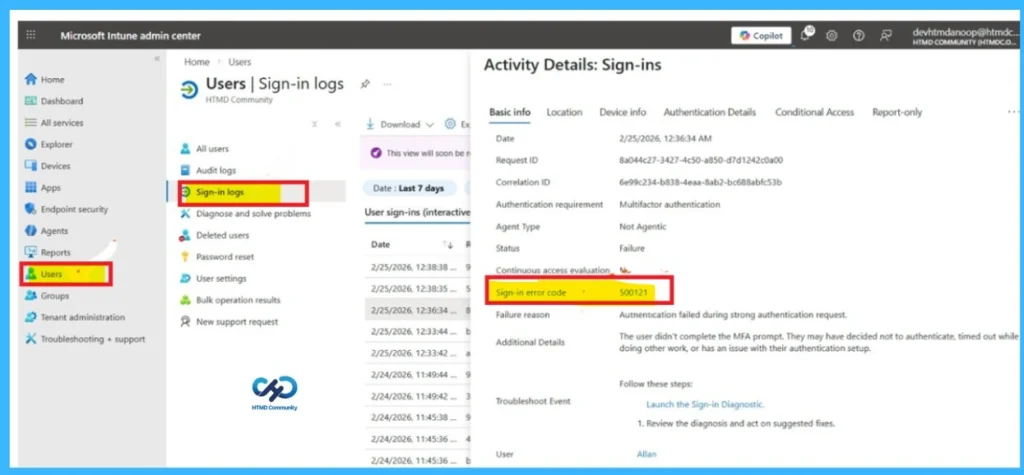
You can find this error in the Sign-in logs inside the Microsoft Intune admin centre. Go to Users >Sign-in logs, then open the failed attempt to see the detailed error message and failure reason. Here, in the image, it shows that the failure reason is Authentication failed during strong authentication request.
| Basic Info | Details |
|---|---|
| Authentication requirement | Multifactor authentication |
| Agent Type | Not Agentic |
| Status | Failure |
| Failure reason | Authentication failed during strong authentication request. |
| Additional Details | The user didn’t complete the MFA prompt. They may have decided not to authenticate, timed out while doing other work, or has an issue with their authentication setup. |
| Troubleshoot Event | Launch the Sign-in Diagnostic. Review the diagnosis and act on suggested fixes. |
Causes of this Issue
The main reason you are seeing error 500121 is that the Multi-Factor Authentication (MFA) step was not completed. Even if you entered your password correctly, the sign-in will fail if you did not approve the notification on your phone, entered the wrong code, or did not respond before the request expired. Sometimes this can also happen because of smalltechnical issues.

Workaround – Retry the Sign-in and Complete MFA
In the Workaround option, there are some methods to solve this issue. One of the easiest ways is to ask the user to sign in again and carefully complete the MFA prompt. The user should approve the notification or enter the verification code within the time limit.
Check the Internet Connection
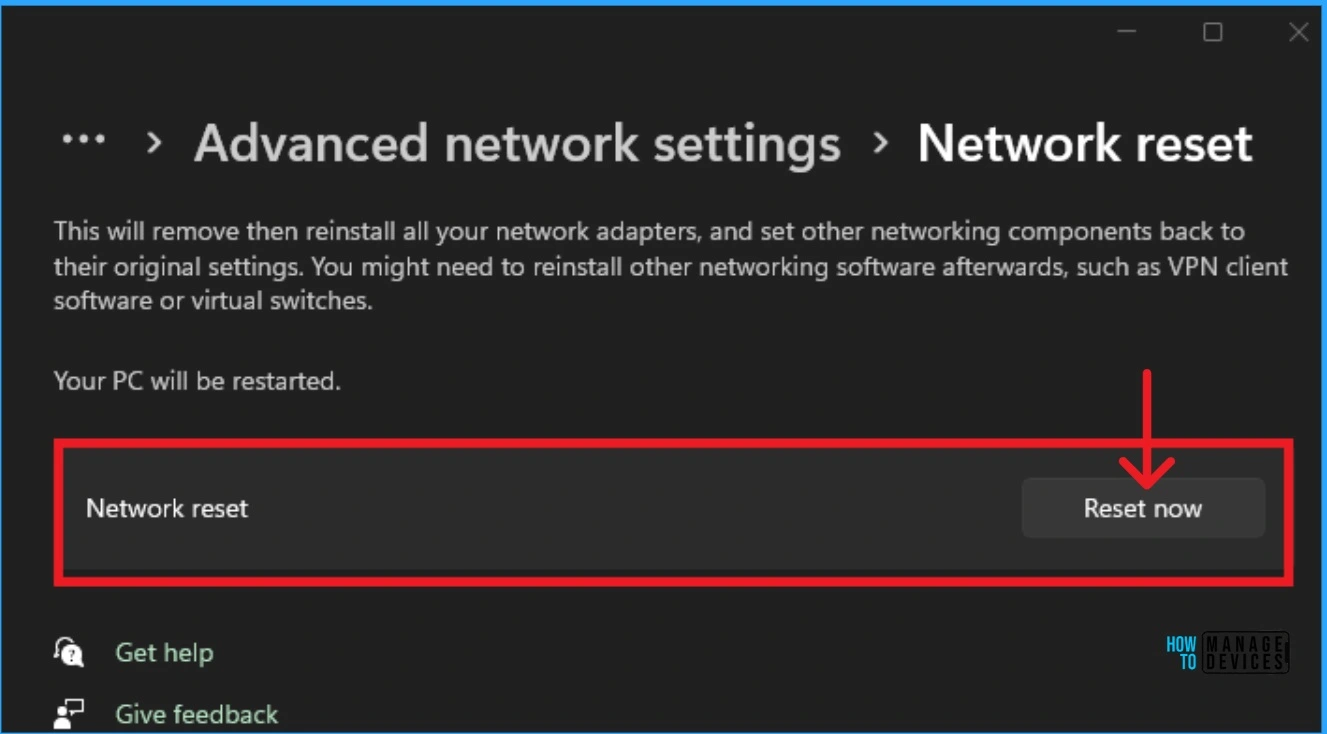
Make sure the phone has a better internet connection and the MFA prompt is not ignored or cancelled. When the network is slow down, this will happen with theauthentication Process.
See More: Fix No Internet Issue in Mobile Hotspot Connection in Windows 11
Resetting Authenticator
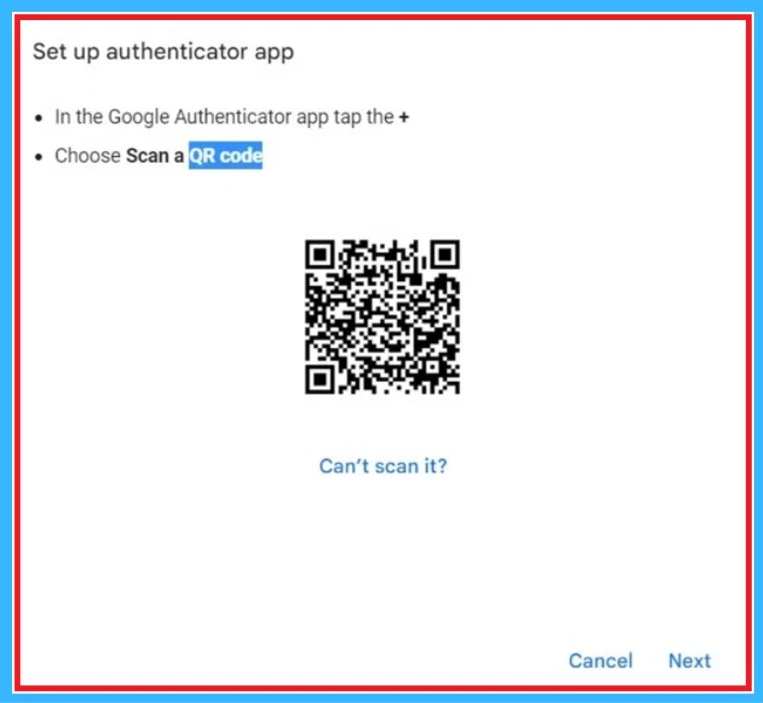
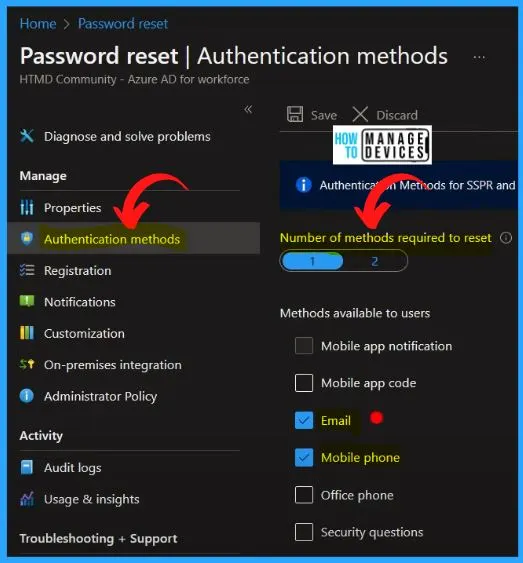
You can try Resetting Authenticator. If the user cannot complete MFA, reset their existing MFA methods from the admin centre. After resetting, ask the user to sign in again and set up MFA from the beginning. This helps fix issues caused by incorrect MFA settings.
See More: Azure AD SSPR Self Service Password Reset Guide
Need Further Assistance or Have Technical Questions?
Join the LinkedIn Page and Telegram group to get the step-by-step guides and news updates. Join our Meetup Page to participate in User group meetings. Also, Join the WhatsApp Community and WhatsApp Channel to get the latest news on Microsoft Technologies. We are there on Reddit as well.
Author
Anoop C Nair has been a Microsoft MVP for 10 consecutive years from 2015 onwards. He is a Workplace Solution Architect with more than 22+ years of experience in Workplace technologies. He is a Blogger, Speaker, and Local User Group Community leader. His primary focus is on Device Management technologies like SCCM and Intune. He writes about technologies like Intune, SCCM, Windows, Cloud PC, Windows, Entra, Microsoft Security, Career, etc.