
Key Takeaways
- Windows 11 2026 Update: Version 26H2 Now Available – New Features Security and Management Enhancements
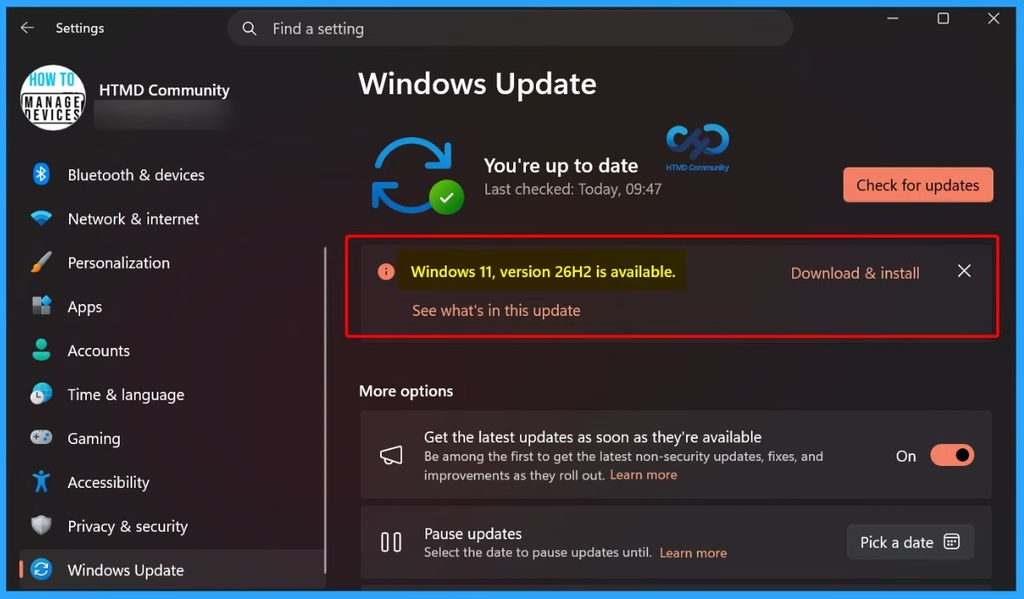
- The 2026 update is being gradually rolled out to eligible Windows 11 24H2 and 25H2 devices.
- Users who turn on “Get the latest updates as soon as they’re available” can receive the update first.
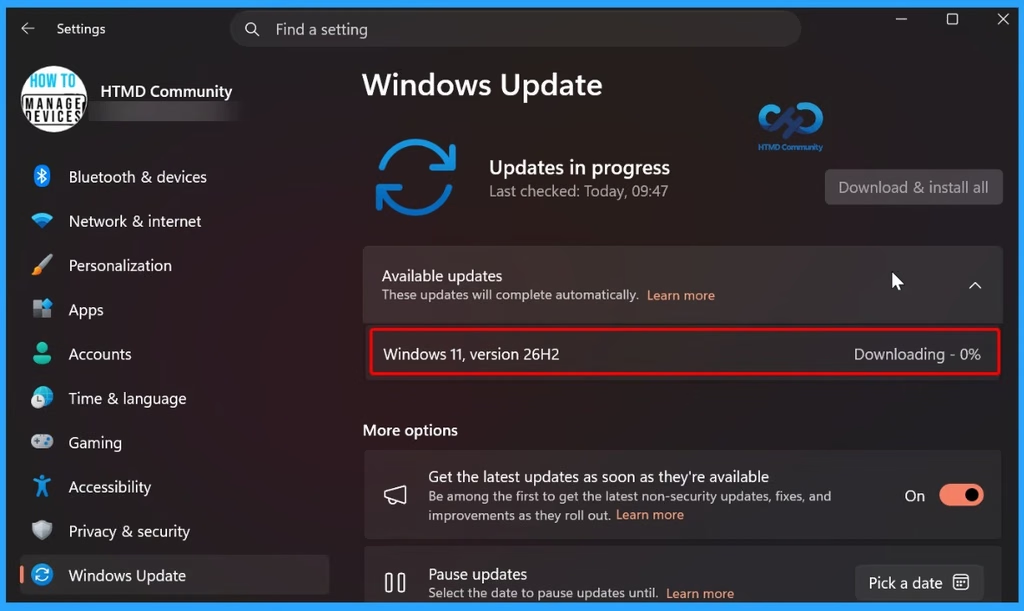
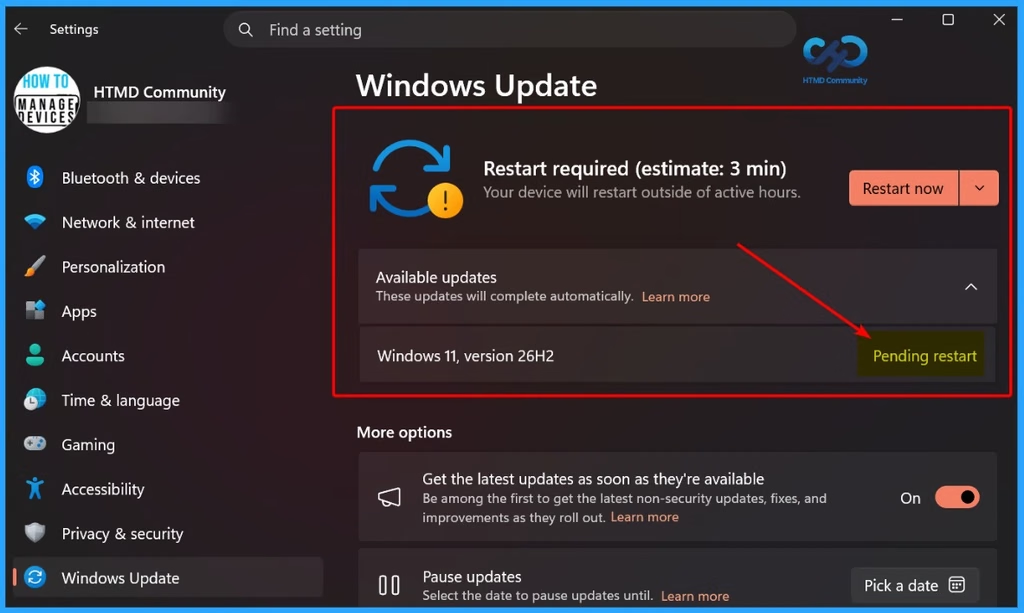
- 26H2 uses the same technology as monthly security updates, requiring a small download and quick restart.
- Microsoft may temporarily block the update on devices with known compatibility issues until they are resolved.
Windows 11, version 26H2 is the latest annual feature update from Microsoft. It uses the same basic system and servicing approach as Windows 11 24H2 and 25H2. Many of the new features are already included in the regular monthly updates but remain turned off until the 26H2 enablement package activates them. This makes the upgrade faster, easier, and less disruptive for organizations.
Table of Content
Table of Contents
Windows 11 Version 26H2 Is Now Available | New Features Security and Management Enhancements
Some devices may not receive 26H2 immediately if Microsoft detects a compatibility issue. In such cases, Microsoft may apply a safeguard hold until the issue is resolved.
- Windows 11 26H2 Deployment Recommendations
- Try 26H2 on a small number of devices.
- Make sure important business apps work properly.
- Test different device models and hardware.
- Deploy 26H2 step by step using existing update rings.
- Check for installation problems and known issues.
- Make sure security and compliance policies are ready.
- Inform IT support teams about the new changes.
| Servicing and Support Lifecycle | Edition Support Duration |
|---|---|
| Home | 24 months |
| Pro | 24 months |
| Enterprise | 36 months |
| Education | 36 months |
- Windows 11 KB5124008 KB5122880 September 2026 Patch and 2 Zero Day Vulnerabilities and 973 Flaws
- Windows 11 Version Numbers Build Numbers Major Minor Build Rev
- Updated Windows 11 End-of-Life Dates
- Microsoft Fixes 973 Security Vulnerabilities and 2 Zero-Day Vulnerabilities in September 2026 Patch Tuesday
Windows 11 26H2: New Features and Enhancements
Windows 11, version 26H2, brings together security, management, accessibility, and productivity improvements that have been gradually introduced through Windows 11 versions 24H2 and 25H2. These updates are designed to improve the overall Windows experience while making devices more secure, easier to manage, and more accessible.
| Feature | Details |
|---|---|
| Administrator Protection | Gives admin rights only when needed, helping protect Windows from attacks. |
| Built-in Sysmon | Records important system and security events to help detect threats. It is off by default. |
| Smart App Control | Blocks untrusted or harmful apps. It can now be turned on/off without reinstalling Windows. |
| Post-Quantum Cryptography | Adds stronger encryption methods designed to help protect against future quantum-computer attacks. |
| Windows Hello Enhanced Sign-in Security | Provides stronger fingerprint protection on supported devices. |
| Driver Security Enhancements | Improves how Windows trusts third-party drivers and removes default trust for certain older cross-signed drivers. |
| Windows Autopilot Device Preparation | Identifies trusted devices before enrollment and helps apply device policies automatically and customize OOBE. |
| Windows Settings Backup and Restore | Restores user settings and Microsoft Store apps when refreshing, upgrading, or migrating devices. |
| Point-in-Time Restore | Lets users roll back a PC to a recent restore point, including apps, settings, and personal files. |
| Policy-Based App Removal | Allows organizations to remove preinstalled Microsoft apps from Enterprise and Education devices using policies. |
| RSAT on Arm64 | Allows IT admins to use tools such as Group Policy, DNS, DHCP, and Active Directory tools on Windows 11 Arm64 devices. |
| App Update Orchestration | Allows supported apps to coordinate their updates with Windows Update for better scheduling and a smoother update process. |
| File Explorer | Adds AI features, document summaries, more archive formats, quick actions, and better performance. |
| Windows Search | Makes searching easier with previews, better typo handling, and improved results. |
| Start Menu & Taskbar | Adds more customization options, including new Start menu layouts and taskbar sizes/positions. |
| Magnifier | Improves accessibility with better screen reader announcements, zoom controls, and screen tint options. |
| Narrator | Adds Braille Viewer and improves reading and navigation, especially in Microsoft Word. |
| Task Manager | Shows more information about NPU usage and identifies apps running in an AppContainer. |
| Voice Access | Adds natural-language voice commands, more languages, and Voice Isolation for better voice recognition. |
Features Now Enabled by Default in Windows 11 26H2
Some features that were optional or controlled by administrators in Windows 11 25H2 are now turned on by default in Windows 11 26H2. Some features may only work on devices that meet specific requirements. Existing administrator policies will continue to be respected.

| Feature | Details |
|---|---|
| Windows Settings Backup | Helps save supported Windows settings and Microsoft Store app lists, so they can be restored when replacing or recovering a device. |
| App-Specific Taskbar Actions | Lets users access common app actions directly from the taskbar. |
| File Explorer Improvements | Makes File Explorer easier to use and navigate. |
Windows 11 26H2: Tools and Resources
Key resources include the security baseline, ADMX administrative templates, Group Policy settings reference, and Windows 11 Enterprise Evaluation. The below list shows more details.
- Windows 11, version 26H2 security baseline
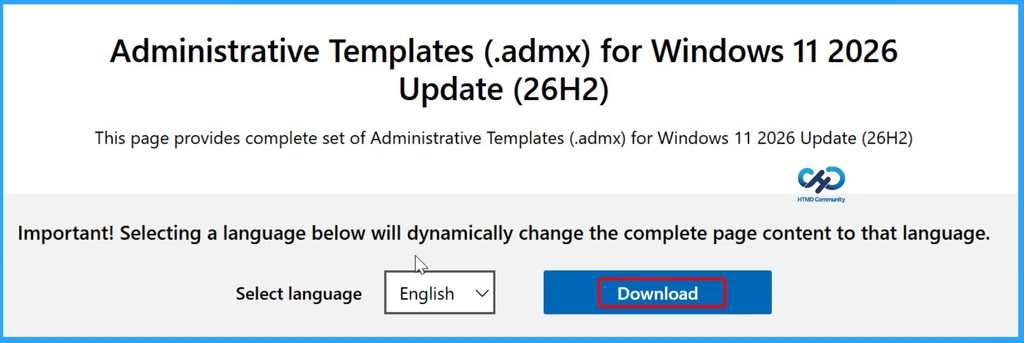
- Administrative templates (ADMX) for Windows 11, version 26H2
- Group Policy Settings Reference for Windows 11, version 26H2
- Windows 11 Enterprise Evaluation
- Use TWAIN Scanners in Remote Sessions for Windows 365 with Intune
- How to Set Up Intune Remote Help Unattended Scenarios | The policies | End Results
- Latest Intune Patching Scenarios using Windows Update Policies | Automatic Deallocate Cancellation
Inside this update | Microsoft Support
Need Further Assistance or Have Technical Questions?
Join the LinkedIn Page and Telegram group to get the latest step-by-step guides and news updates. Join our Meetup Page to participate in User group meetings. Also, join the WhatsApp Community and the Whatsapp channel to get the latest news on Microsoft Technologies. We are there on Reddit as well.
Author
Anoop C Nair is Workplace Technology solution architect with 25+ years of experience in global enterprise organizations such as JP Morgan, Capgemini, etc. He is Microsoft Certified Trainer. Microsoft MVP from 2015 onwards for consecutive 11 years! He also conducts Intune and modern workplace tech training for enterprise organizations. He is Blogger, Speaker, and Founder of HTMD Community and HTMD Conference. His focus is on Device Management technologies such as Intune, Windows, Cloud PC. He writes about technologies like Intune, SCCM, Windows, Cloud PC, Windows, Entra, Microsoft Security.