
Windows 10 Upgrade Using SCCM Task Sequence. In the previous post, I explained how to Create a Windows 10 1709 Upgrade Task Sequence in SCCM CB.
I didn’t provide details about distributing the Windows 10 1709 content to DPs, Deploying the Task Sequence, or describing the end-user experience of this type of upgrade.
In this post, we will experience the Windows 10 1709 upgrade using the SCCM Task Sequence in video form. The SCCM admin should ensure that the Windows 10 1709 upgrade package is distributed to all the required DPs and that all the contents referenced in the task sequence are replicated to DPs.
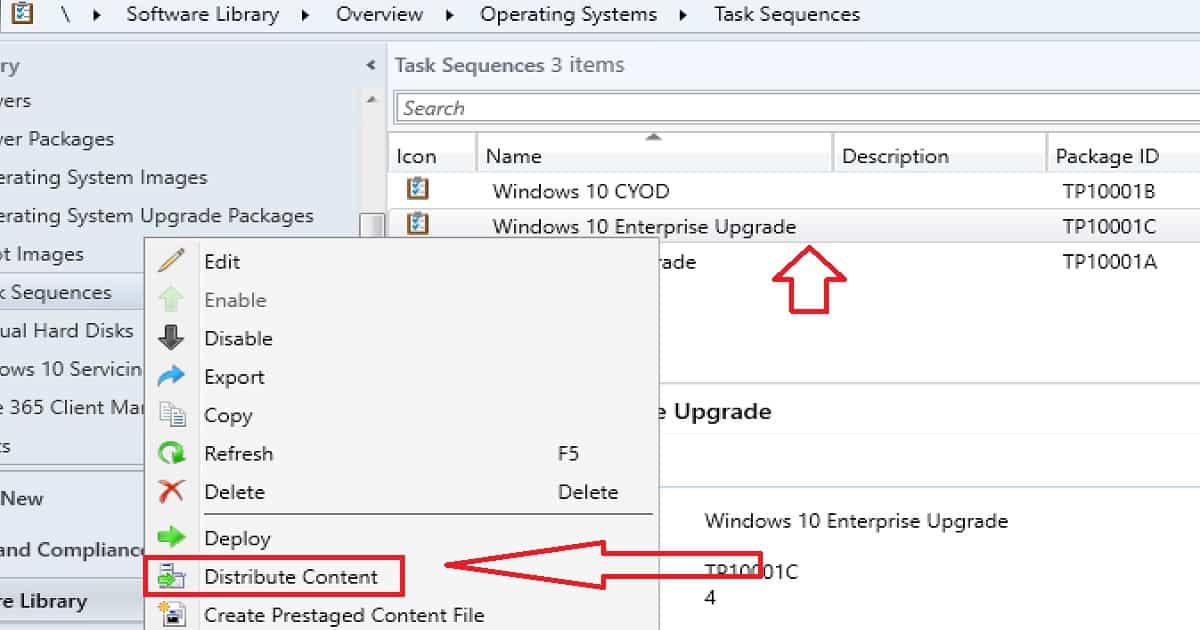
We can start the content distribution from the Windows 10 1709 upgrade task sequence. Right-click on the Task Sequence and click on Distribute Content. This action will initiate the content distribution of all the pending packages.

Table of Contents
- Speed up Windows 10 Upgrade Process – Task Sequence Vs. Servicing
- Integrate Windows 10 Upgrade Readiness with SCCM – Part 2
- Define Windows 10 Upgrade Readiness Architecture with SCCM – Part 1
- How to integrate Windows 10 Upgrade Readiness with SCCM – Part 2
- Configure Telemetry for Upgrade Analytics/Readiness with Intune & SCCM – Part 3
Learn How to Windows 10 1709 Upgrade Using SCCM Task Sequence – Windows 10 Upgrade Using SCCM Task Sequence
Ensure all the referenced packages in the task sequence are successfully replicated to your DPs. Otherwise, the Windows 10 1709 upgrade will fail.
SCCM CB Server Side Preparation for Windows 10 1709 Upgrade – Distribute Required Contents to DPs
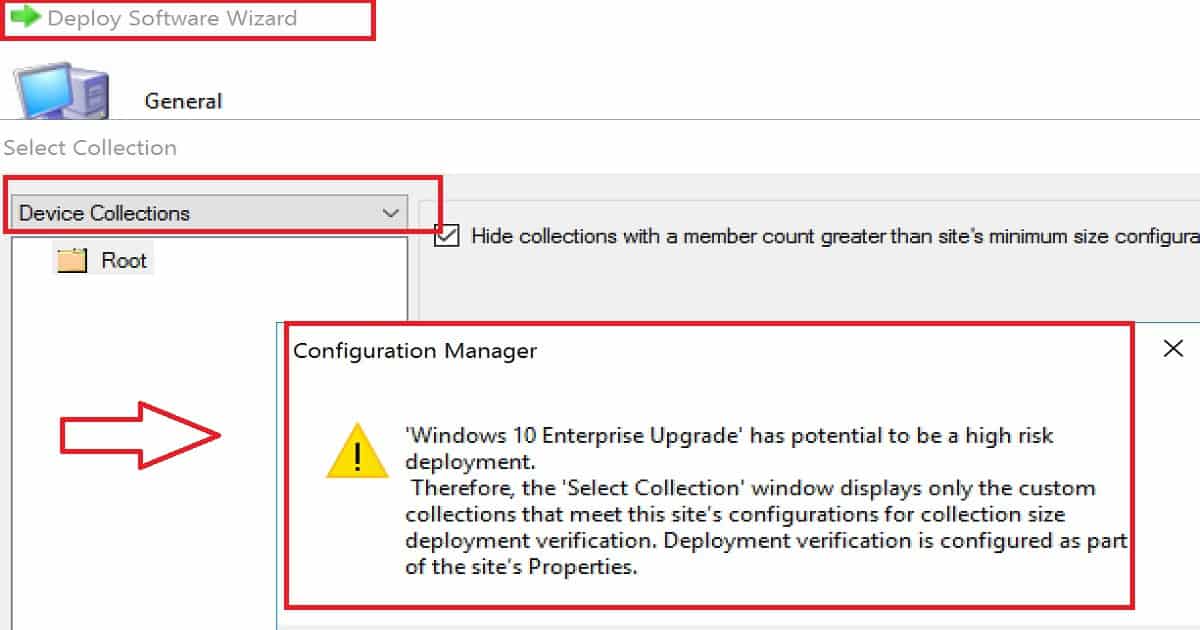
Once the content of all the required applications, packages, and OS upgrade packages have been replicated to DPs, then we can create a deployment. The Task Sequence should be deployed to your environment’s required Windows 10 machines.
More details in the video tutorial “Learn How to Windows 10 1709 Upgrade Using SCCM Task Sequence.”
Deploy the Task Sequence to Windows 10 1703 Machines
But, don’t deploy the Windows 10 upgrade task sequence to all the Windows 10 1703 machines. The upgrade should be a phase-wise approach. Initially, we should deploy this upgrade task sequence to a couple of Windows 10 machines.
Once those two deployments are successful, we can deploy the task sequence to the next set of test devices. In my opinion, we should start the Windows 10 upgrade deployment as “Available.” The optional task sequence empowers users to upgrade their machines to 1709 whenever they want to.
Right-click on the Task Sequence and click on the “Deploy” option. More details in the video tutorial “Learn How to Windows 10 1709 Upgrade Using SCCM Task Sequence.”
Windows 10 Client-Side Experience of Upgrade Process
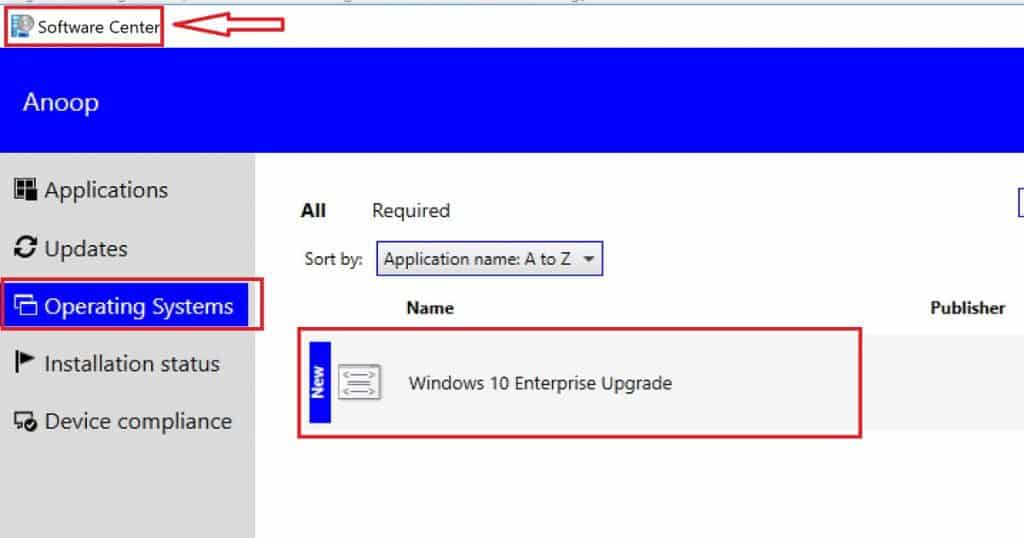
Windows 10 1709 upgrade task sequence will be available in the Software Center. We have created the Windows 10 1709 upgrade task sequence as an optional deployment.
The user must open the Software Center and start the upgrade process. As the video shows, this can be done by clicking on the “Install” button.
| Windows 10 Client-Side Experience of Upgrade Process |
|---|
| Software Center |
| Operating Systems |
| Windows 10 Enterprise Upgrade |
All the task sequence steps explained in my previous post are performed as part of the Windows 10 1709 upgrade. The SCCM Windows 10 1709 Upgrade Task Sequence provides more details about the steps.
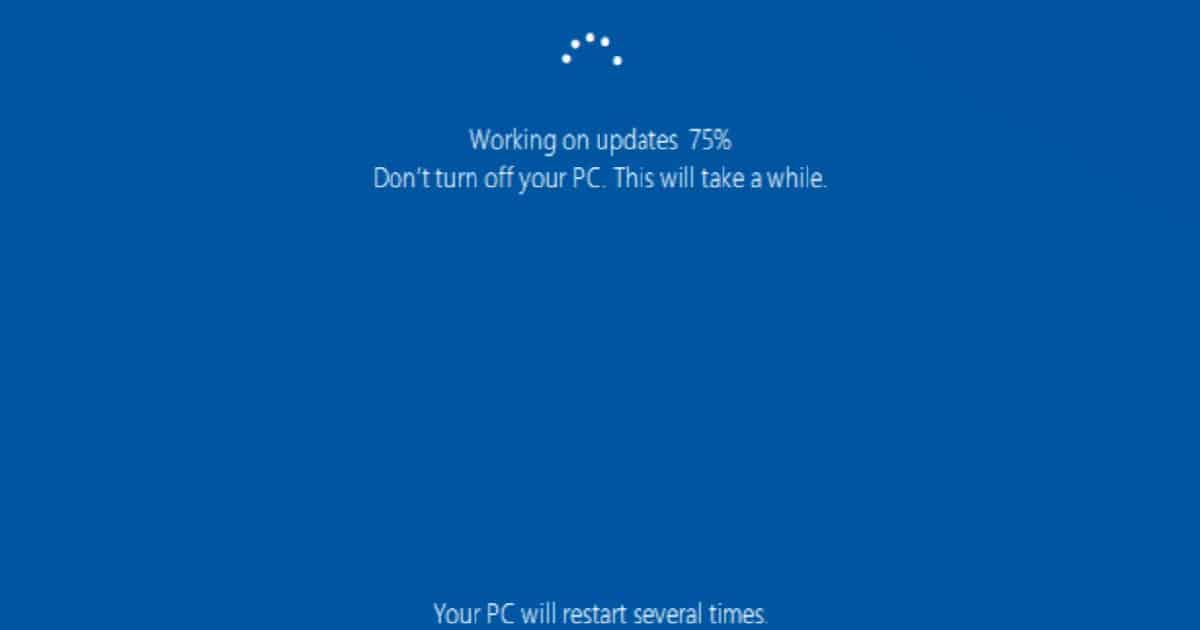
Windows 10 devices will experience multiple restarts during the upgrade process, as explained in the following video. For more details, see “Learn How to Windows 10 1709 Upgrade Using SCCM Task Sequence.”
We are on WhatsApp now. To get the latest step-by-step guides, news, and updates, Join our Channel. Click here. HTMD WhatsApp.
Author
Anoop C Nair is Workplace Technology solution architect with 25+ years of experience in global enterprise organizations such as JP Morgan, Capgemini, etc. He is Microsoft Certified Trainer. Microsoft MVP from 2015 onwards for consecutive 11 years! He also conducts Intune and modern workplace tech training for enterprise organizations. He is Blogger, Speaker, and Founder of HTMD Community and HTMD Conference. His focus is on Device Management technologies such as Intune, Windows, Cloud PC, He writes about technologies like Intune, SCCM, Windows, Cloud PC, Windows, Entra, Microsoft Security.
Your troubleshoot everything awesome.