Skip to content
Menu
Home
BLOG
Intune
Security
App Deploy Guides
Windows 11
Windows 365
ConfigMgr
Videos
Tenant Attach Dashboard in the SCCM Console
FIX: SCCM Task sequence has failed with the error code 0x800700A1
ConfigMgr 2107 is Generally Available Now End of Opt-in Phase
Windows 10 21H1 KB5005101 Cumulative Update Released
Deploy Windows 365 Security Baseline Policies to Cloud PCs
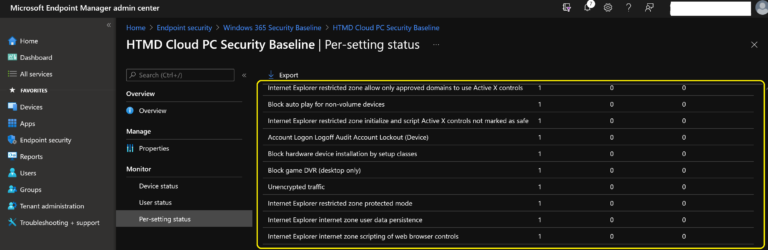
List of Security Baselines Settings for Cloud PC Windows 365
How to Configure File Associations using SCCM
Latest Windows 11 ISO Ready to Download Production Version
FIX: SCCM Task Sequence Failed With Error Code 0x80070002
Create Windows 11 Azure AD Device Group
Create Windows 11 Filter Rule in Intune
FIX: SCCM Task Sequence Failed to Apply Driver Package 0x80070057
Windows 11 Intune Enrollment Process using Company Portal Application Settings App
Create SCCM Device Collection for Visual Studio Upgrade
Easy Guide to Deploy Wallpaper using SCCM
SQL Query to Find Microsoft 365 Apps Details from SCCM
Older posts
Newer posts
←
Previous
Page
1
…
Page
229
Page
230
Page
231
…
Page
324
Next
→
Next Page »
Close