Skip to content
Menu
Home
BLOG
Intune
Security
App Deploy Guides
Windows 11
Windows 365
ConfigMgr
Videos
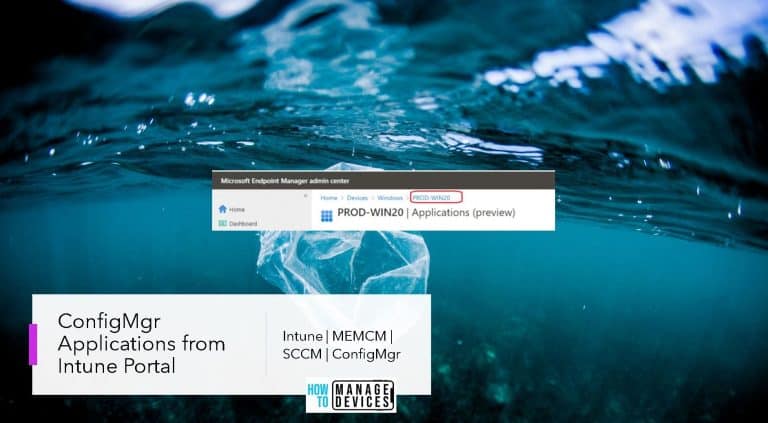
Install ConfigMgr Applications from Intune Portal | Admin Center
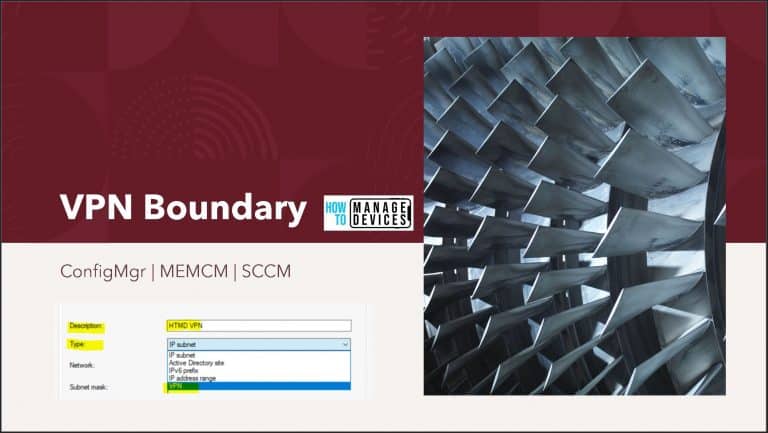
ConfigMgr VPN Boundary Setup Process Explained | SCCM
Easily track Windows 10 Intune App deployments from the Endpoint – Support Help #2
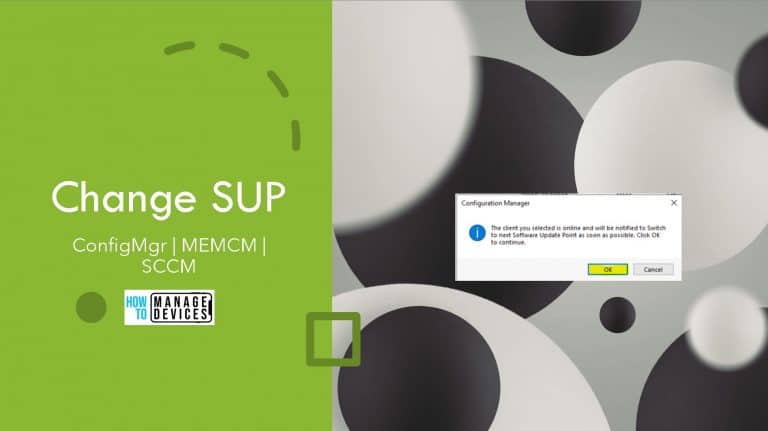
Change SCCM Client Software Update Point SUP | ConfigMgr
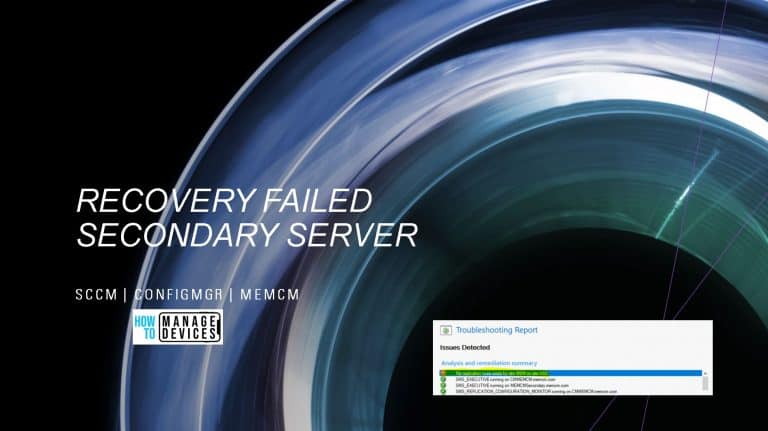
Recover Secondary Site Fix SCCM Secondary Server Recovery Failed Issue | ConfigMgr
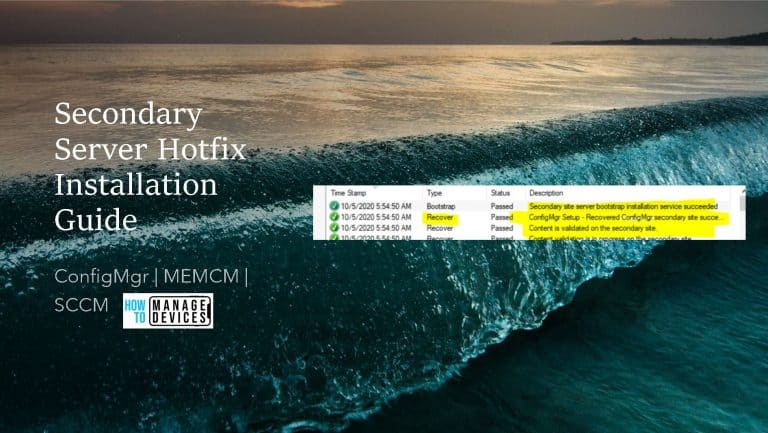
SCCM Secondary Server Hotfix Installation Guide | ConfigMgr
Check SCCM Secondary Server Hotfix Installation Status
Easily Track Windows 10 Intune MDM Policy Information on the Endpoint – Support Help #1
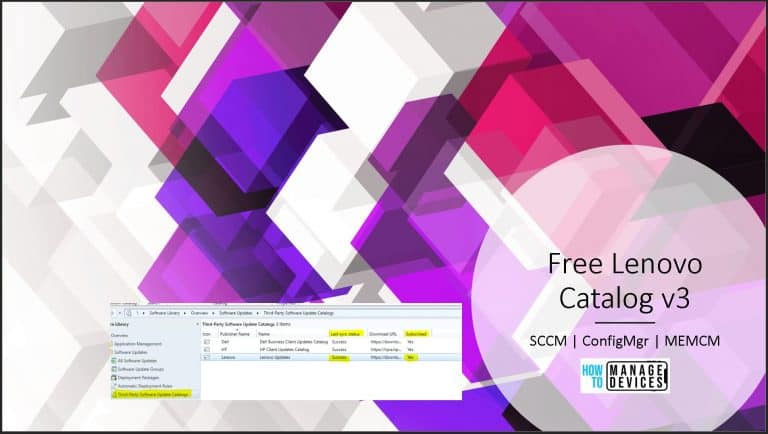
Lenovo Update Catalog V3 for SCCM | Third-Party Updates
SCCM Tenant Attach Troubleshooting Issues via Logs | ConfigMgr
Run CMPivot Queries from Intune Portal | SCCM | ConfigMgr
Office 365 is now Microsoft 365
Enable SCCM Resource Explorer from Intune Portal | ConfigMgr
AVD RDP Settings Options Available in Azure Portal
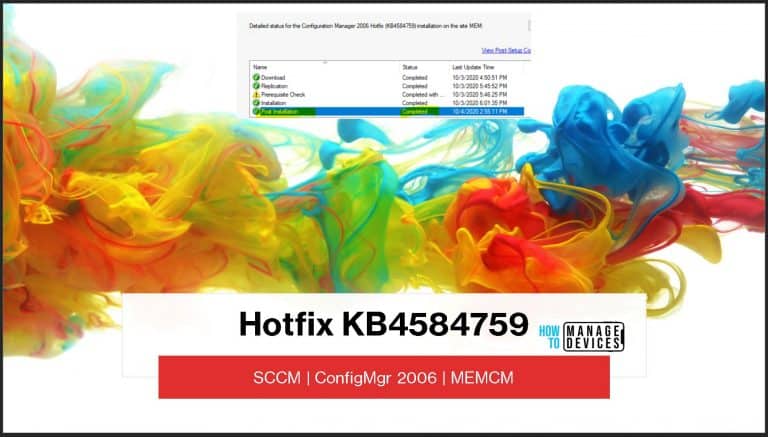
New SCCM 2006 Hotfix KB4584759 to Fix Desktop Analytics Error
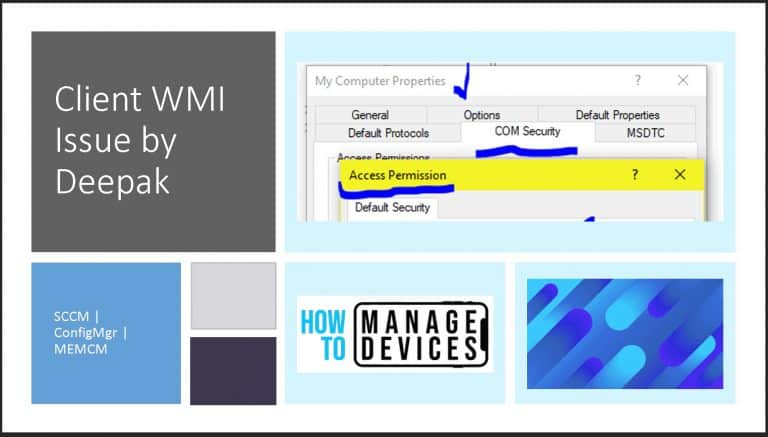
FIX SCCM Client WMI Issues | ConfigMgr | WMImgmt Errors
Older posts
Newer posts
←
Previous
Page
1
…
Page
250
Page
251
Page
252
…
Page
324
Next
→
Next Page »
Close