Skip to content
  • Home
  • Intune
  • Security
  • App Deploy Guides
  • Windows 11
  • Windows 365
  • ConfigMgr
  • Videos
HTMD Community Intune Windows Modern Workplace Device Management
Zero Touch AI
HTMD Community Intune Windows Modern Workplace Device Management
  • Home
  • Intune
  • Security
  • App Deploy Guides
  • Windows 11
  • Windows 365
  • ConfigMgr
  • Videos

SCCM

SCCM (A.K.A ConfigMgr) Explained
SCCM is Microsoft Microsoft Endpoint Manager Configuration Manager. This solution is used by most of the organizations in the world to manage their enterprise devices. This is the best resource to Learn and troubleshoot on issues.

How is SCCM (A.K.A ConfigMgr) Used?
SCCM solution is mainly used to manage Windows devices. But it has rich capability to manage and Mac OS devices as well. As per Microsoft, this tool is managing more than 75% of enterprise devices of the world. Linux and Unix devices are not supported by MEMCM (A.K.A Microsoft Endpoint Manager Configuration Manager)

How CAN SCCM Be Applied to Your Organization?
This solution can be used to install the application within your organization. OS deployment is another feature of this solution used within most of the enterprises. Another important use of this solution is to deploy patches across the enterprise and secure those devices.

There are 1000000 devices managed by this solution around the world. And SCCM device management solution is used within organizations to deploy millions of applications.

Server Client Application
This solution is a server-client application. All the managed clients’ inventory is stored in the CM SQL database.

SCCM Core infrastructure, Updates for Configuration Manager, Supported configurations for Configuration Manager, Cloud-attached management of CM, Co-management for Windows 10,
Manage clients on the internet, Windows as a service, CMPivot, Application management.

Other Uses for SCCM

SCCM can used for Manage apps from the Microsoft Store for Business, OS deployment, Introduction to OS deployment, Upgrade to Windows 10, Phased deployments, Software update management, Introduction to software updates management, Manage Office 365 ProPlus updates.

SCCM MVP community group is one of the known community groups in the IT Industry.

SCCM Smart Package Studio Training- Home

How to Make Packagers Life Easier – Part 3

SCCM Patch Management is Enough for Vulnerability Management

SCCM Patch Management is Enough for Vulnerability Management

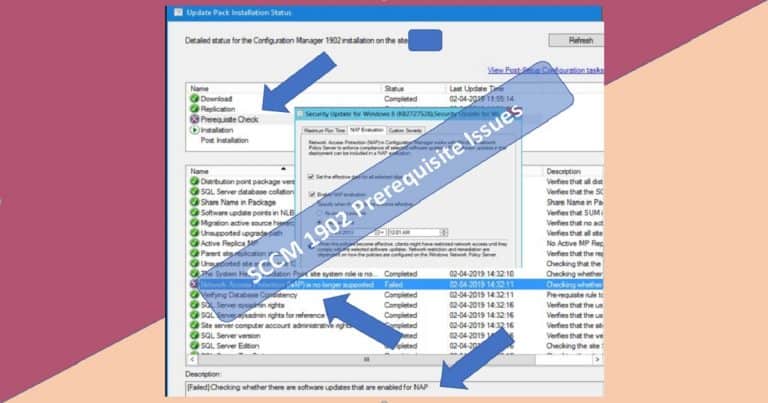
SCCM 1902 Prerequisite Check Failed Error NAP Policies

FIXED SCCM 1902 Prerequisite Error Network Access Protection (NAP) is No Longer Supported

Microsoft SCCM 1902 New Production version

Step by Step SCCM 1902 Upgrade Guide Production Version

Smart Package Studio Installation

How to Make Application Packagers Life Easier – Part 2

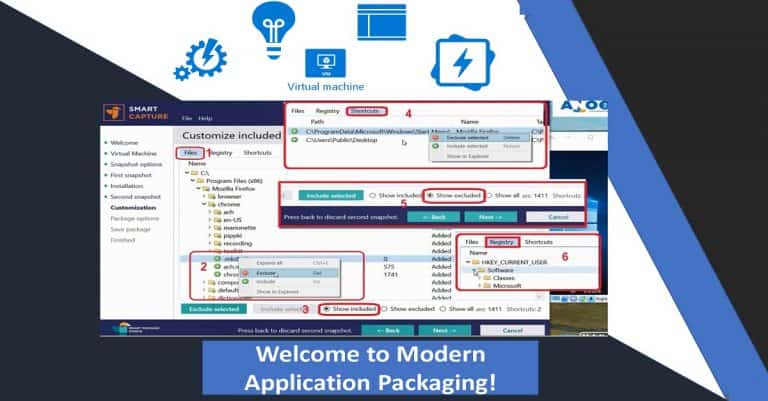
Modern Application Packaging tool

How to Make Application Packagers Life Easier – Part 1

Speed up Windows 10 Upgrade Home

Speed up Windows 10 Upgrade Process – Task Sequence Vs. Servicing

Microsoft 365 Certification Exams - Modern Workplace Home

List of Microsoft 365 Certification Exams and Cost Details

SCCM Community Hub Home

SCCM Community Hub Explained Scripts Reports and Documentation

SCCM Desktop Analytics Integration - HOME

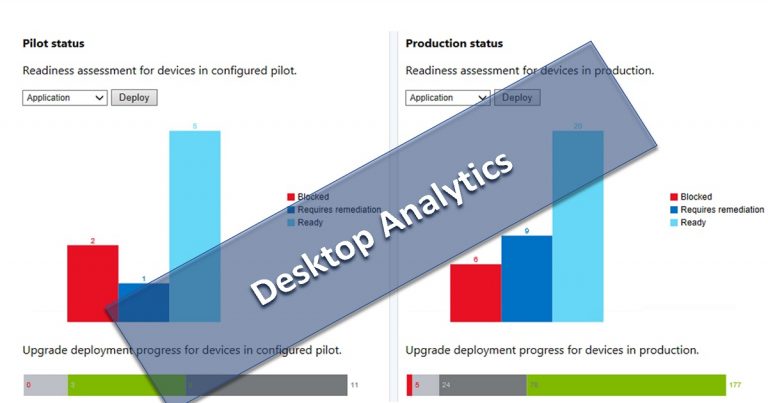
SCCM Desktop Analytics Integration to Help Evergreen Updates

SCCM Unsupported Features

SCCM Unsupported Deprecated or Removed Features

SCCM IBCM Vs CMG Home

SCCM IBCM Vs CMG Differences a Real-World Comparison

SCCM Third-Party Patching

Third-Party Applications are Patched up-to-date? SCCM admins?

SCCM Rollup Update HotFix Install Home

SCCM 1810 Rollup Hotfix Installation Guide

Latest Version MDT 8456 - Home

Latest Version MDT 8456 – SCCM 1810 – Server 2019 Support – UDI Wizard

SCCM PowerShell Scripts -7Zip App Uninstall

SCCM Run Script Deployment Step-by-Step Guide – Uninstall 7Zip without Package

How to Uninstall 7Zip without Package instead you can use SCCM powershell script deployment method to remove 7Zip app.

Older posts
Newer posts
← Previous Page1 … Page56 Page57 Page58 … Page87 Next →

loader
Subscribe To Our Newsletter

2026 How to Manage Devices ©
Next Page »
  • Privacy
  • Terms
  • About
  • Contact
  • Partners
  • Authors
  • Subscribe