
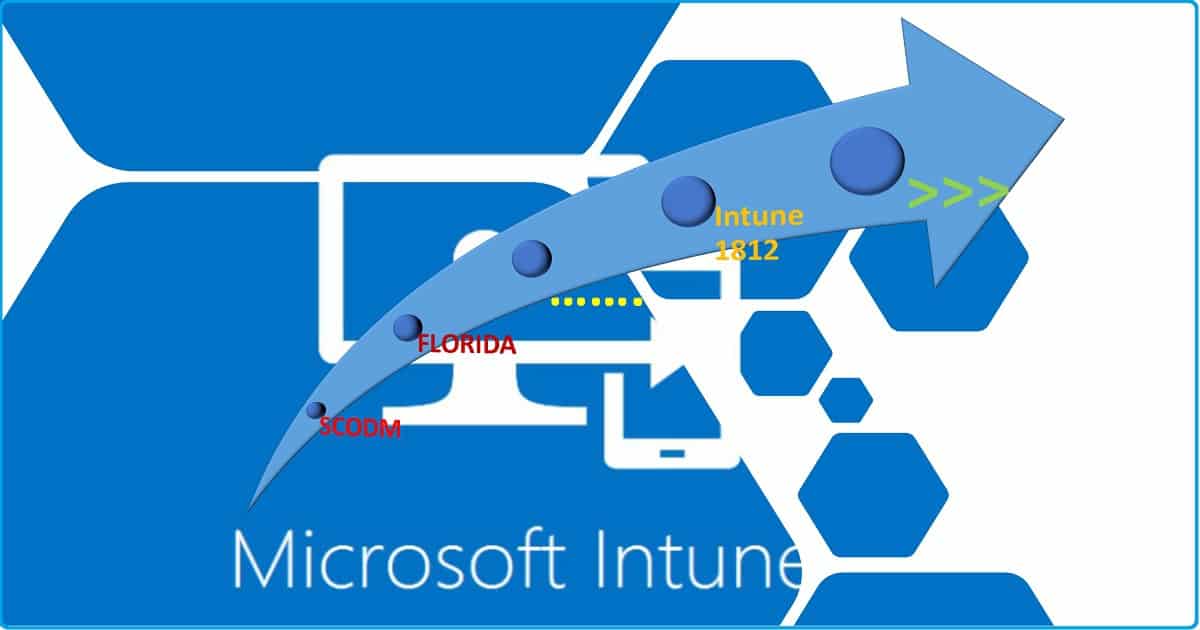
In this post, I will discuss about Intune Version Numbers -Service Release Numbers with Feature Details. I don’t think there is anything called Intune version numbers. But the Intune monthly releases versions are known as Intune service releases. The latest release of Microsoft Intune is 2307.
In a traditional world, new features were released in service packs every year or two, major product releases every four years or so, and that was it. The Cloud makes it a bit different. You don’t need to wait for a major release or monthly release to update a feature.
Intune and other cloud services use microservices so that they can be updated independently rather than waiting for the update of the entire system. Now Microsoft has some products that release updates as frequently as every week! Intune is one of them. But in this post, let’s concentrate on the Intune monthly release cascade.
Even though Intune releases small updates or enhancements every week, the version number of the Intune service release is only changed once a month. I will keep this Intune Service Release version list updated.

| Index |
|---|
| Identity Intune Version Numbers? |
| Intune Version Details – Where in the Intune console? |
| Intune Version History |
| List of Intune Version Edition Details |
Identity Intune Version Numbers?
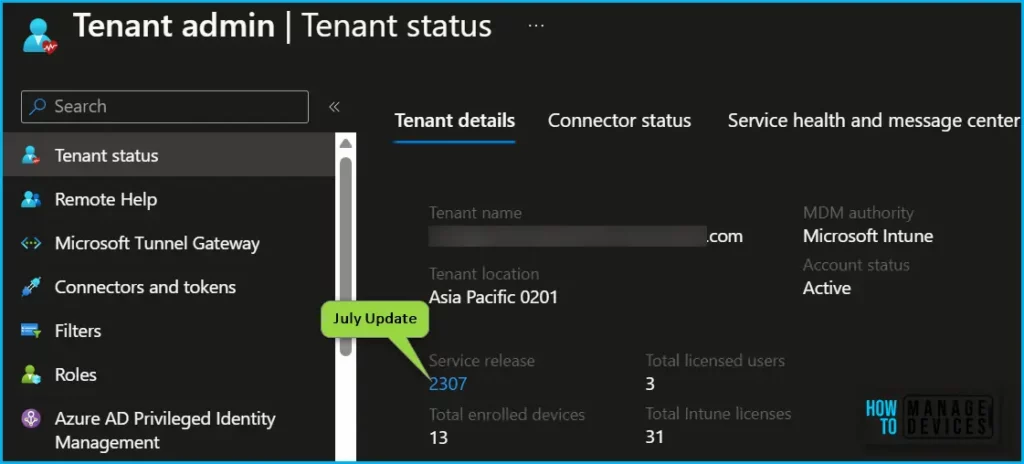
You can identify or confirm the Intune version number from the Intune portal Tenant Status Tab. I have a post with more details about Intune tenant status and Intune service release number.
Intune Version Details – Where in the Intune console?
Intune Tenant Status Blade – The tenant Details section will give you the following details such as Intune Tenant Name, Tenant Location, and Intune Service Release number.
- Login to Intune Admin Center Portal
- Click on Intune > Tenant Status
- Tenant Name – Anoop@Onmicrosoft.com
- Tenant Location – Asia Pacific 0201
- MDM Authority – Microsoft Intune
- Account Status -Active
- Service Release – 2307
- Total Enrolled Devices – 1000?
- Total Licensed Users – 4000?
- Total Intune Licenses – 6000?
Intune Tenant Status Blade -> Connector Status section will give you the following details. Header Details – Connector Status – 0 unhealthy. Status – Connector Name – Time Stamp.
- Not Enabled – APNS Expiry Date – 08-02-2019 11:20:06
- Healthy – DEP Last Sync Date – 08-02-2019 11:20:06
- Warning – VPP Last Sync Date – 07-02-2019 1:23:12
- Not Enabled – Managed Google Play App Sync – N/A
- Healthy – Microsoft Auto Pilot Last Sync Date – 08-02-2019 11:20:06
Intune Tenant Status blade -> Intune Service Health section will give you the following details
- Intune Service Health – 0 total
- Status – ID – Title – User Impact – Start Time – Updated
- No active Intune incidents or advisories
- Intune Service Health – 0 total
- You don’t have permission to see this. Click to add your account to the appropriate role in portal.office.com to gain access
- Status – ID – Title – User Impact – Start Time – Updated
- See past Incidents/Advisories
- Intune Service Health – 0 total
- Intune Tenant Status blade -> Intune News section will give you the following details
- Intune News – 0 active
- You don’t have permission to see this. Click to add your account to the appropriate role in portal.office.com to gain access
- Act By – Category – Message Title – Published – Message ID
- Intune News – 0 active
Intune Version History
As per the reports back from 2010, The Microsoft Intune (Windows Intune at that time) service builds on top of the Microsoft Malware Protection Engine. Intune’s first reported code name is Florida (Full of Flowers). I don’t know whether Microsoft started developing Intune from Florida.
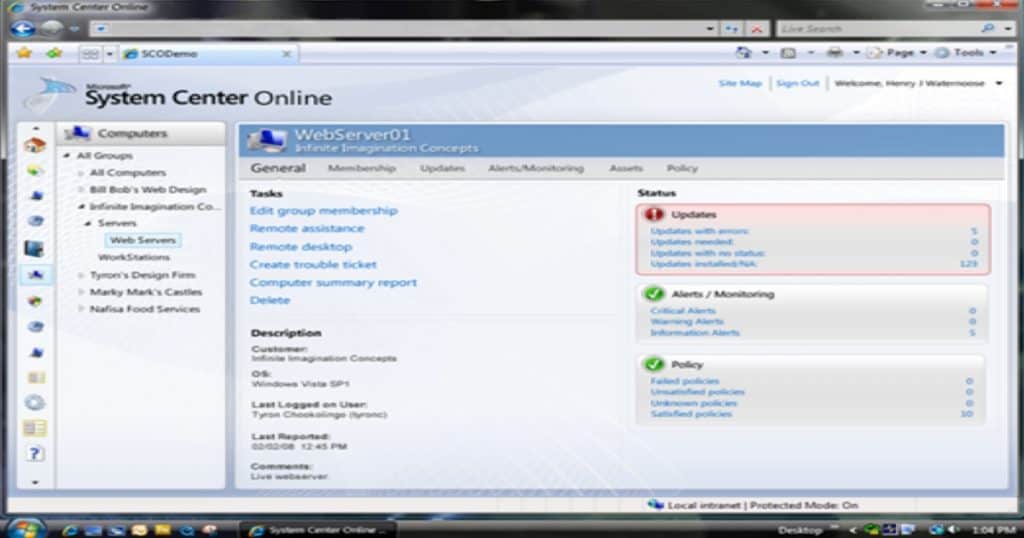
Before Florida (back in 2009), there was a product called “System Center Online Desktop Manager (SCODM).” I think that is reported to be the initial development phase of Intune.
List of Intune Version Edition Details
The following list contains the Intune version or service release update from 2009 (SCODM). You can also read the latest and Past releases in the What’s New to get more information about what new features Intune service updates were released.
Resources
- How to Find Out Intune Version Details from Intune Portal
- New Intune Related posts – https://www.anoopcnair.com/intune/
We are on WhatsApp. To get the latest step-by-step guides and news updates, Join our Channel. Click here –HTMD WhatsApp.
Author
Anoop C Nair is Microsoft MVP! He is a Device Management Admin with more than 20 years of experience (calculation done in 2021) in IT. He is a Blogger, Speaker, and Local User Group HTMD Community leader. His main focus is on Device Management technologies like SCCM 2012, Current Branch, and Intune. He writes about ConfigMgr, Windows 11, Windows 10, Azure AD, Microsoft Intune, Windows 365, AVD, etc.
I am new to Intune all together, where do i start? We are starting a new company and would like to go to the cloud without having to invest in SCCM infrastructure at all, Just Intune and Azure AD only. We are in the process of acquiring MS E5 license. where is a good place for us to start with those two?
Lets start from here https://www.anoopcnair.com/learn-microsoft-intune/