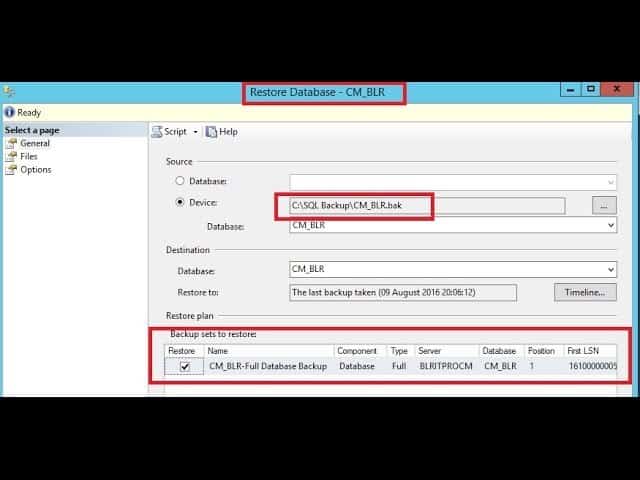
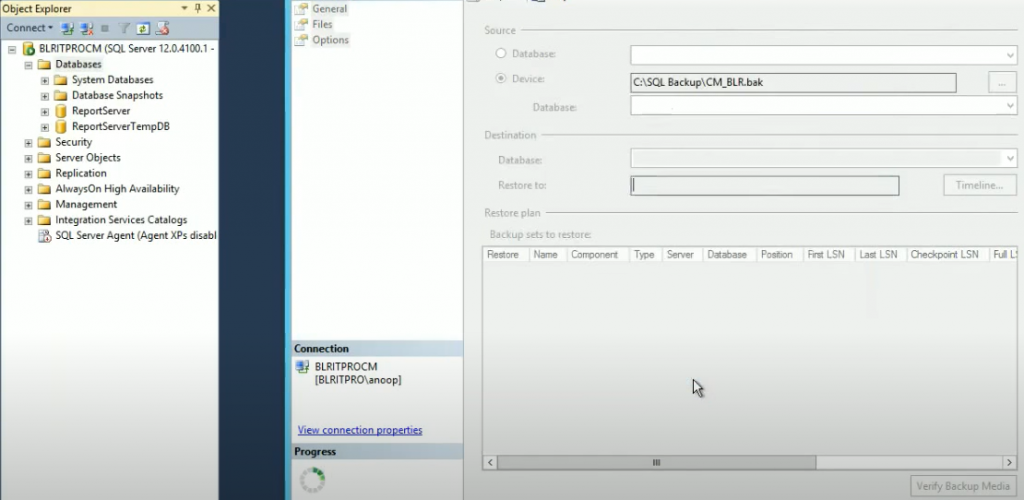
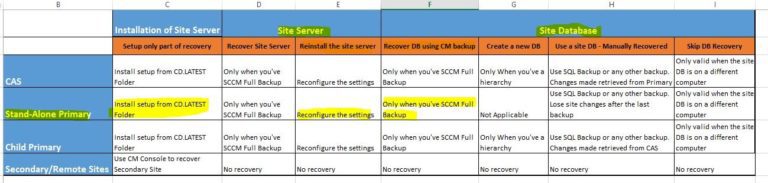
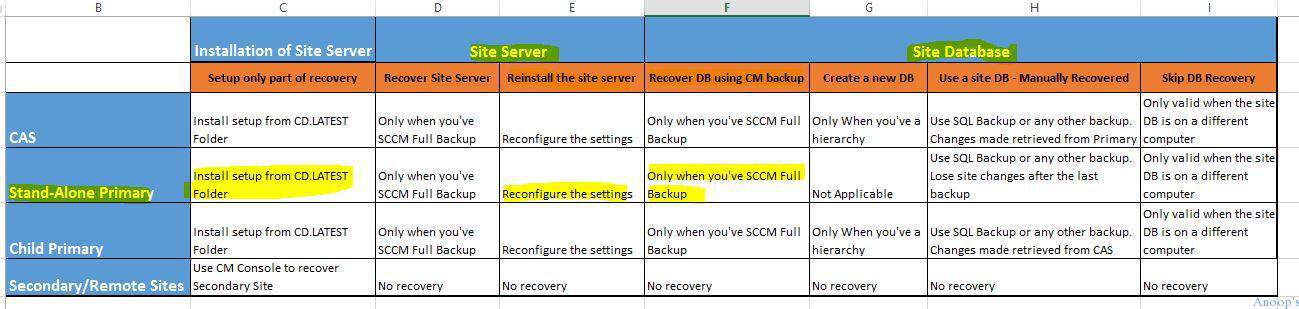
How to Expand SCCM CB Standalone Primary server with CAS server Configuration Manager ConfigMgr? In this post, we will see how to expand the stand-alone primary server and attach it to CAS.
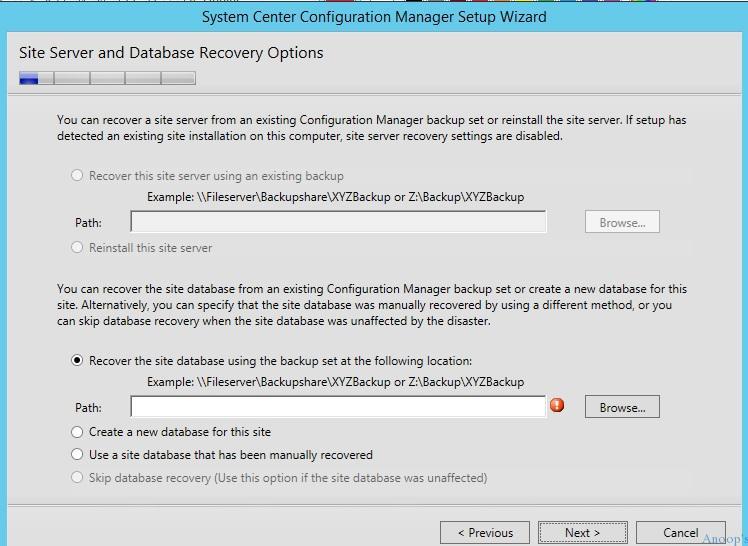
We need to install an SCCM CB CAS server from the latest source files, we can get the latest source files from the stand-alone primary server’s CD.Latest folder.
Here are more details about CD. The latest folder in my previous blog is here. When do you want to convert/expand your SCCM CB stand-alone primary server to a hierarchy and install SCCM CB CAS?
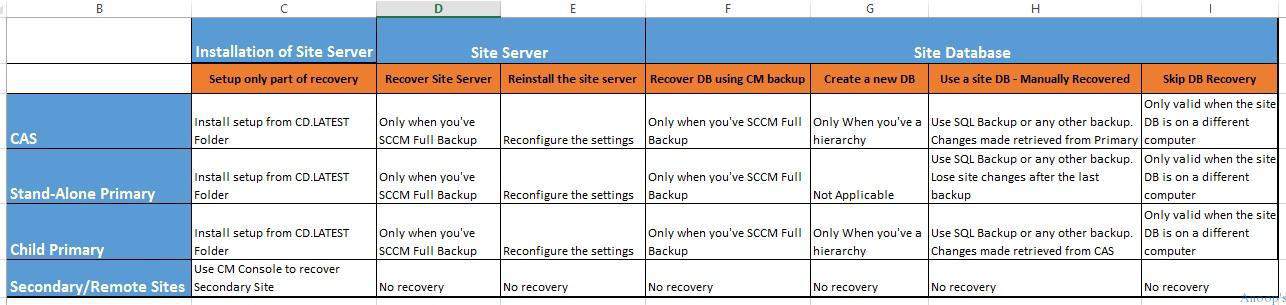
The only reason for this activity is “If your SCCM CB stand-alone primary server is going out of support in terms of a maximum number of supported clients”.
Table of Contents

- How to Restore Recover SCCM CAS Server using SQL Backup ConfigMgr
- How to Recover SCCM CAS Server Database
- Fix SCCM CAS Server Performance Issue
- Download and Install SCCM 2012 R2 CU2 Cumulative Update 2 on CAS Primary servers
- Uninstall Remove SCCM ConfigMgr CAS Primary Secondary server
Introduction – How to Expand SCCM CB Standalone Primary Server with CAS Server
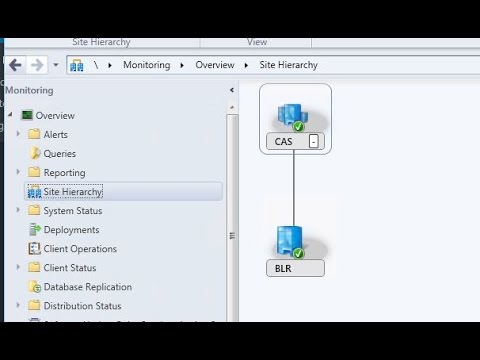
As per the latest documentation from Microsoft, a stand-alone primary server can support up to 175K clients. If you have exceeded this magical number, you must expand your stand-alone primary server to the SCCM CB hierarchy with CAS.
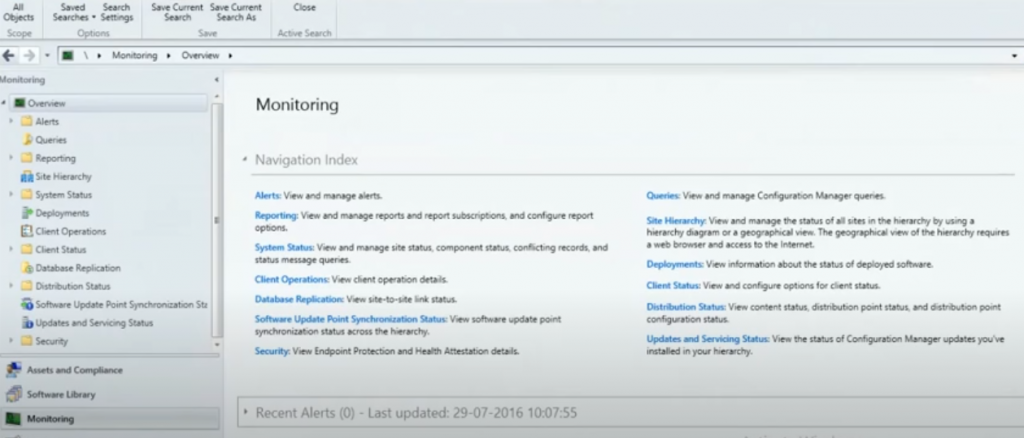
| SCCM Site Hierarchy |
|---|
| Monitoring |
| Overview |
| Site Hierarchy |
| CAS |
| BLR |
More Details – How to Expand SCCM CB Standalone Primary Server with CAS Server
I’ve created a video tutorial to explain the process of expanding the SCCM CB stand-alone primary server. Before starting the expansion activity, we need to consider some essential prerequisites.
- We must install the new SCCM CB CAS server from the installation media (source files) –CD.Latest Folder- that matches the version of the stand-alone SCCM CB primary site.
- The SCCM CB stand-alone primary site cannot be configured to migrate data from another SCCM hierarchy. Remove all those migration configurations before expansion.
- The SCCM CB CAS server’s computer account must be a member of the Administrators group on the stand-alone primary site. You may or may not remove this account after the expansion.
- The user account that runs setup to install the SCCM CB CAS server must have FULL Admin or Infra Admin permissions at the stand-alone primary site.
- Before you can expand the site, we have to uninstall the following site system roles from the SCCM CB stand-alone primary site: the Asset Intelligence synchronization point, the Endpoint Protection point, and the Service connection point.
- The SQL Server Service Broker(4022) port must be open between SCCM CB CAS and a stand-alone primary server.
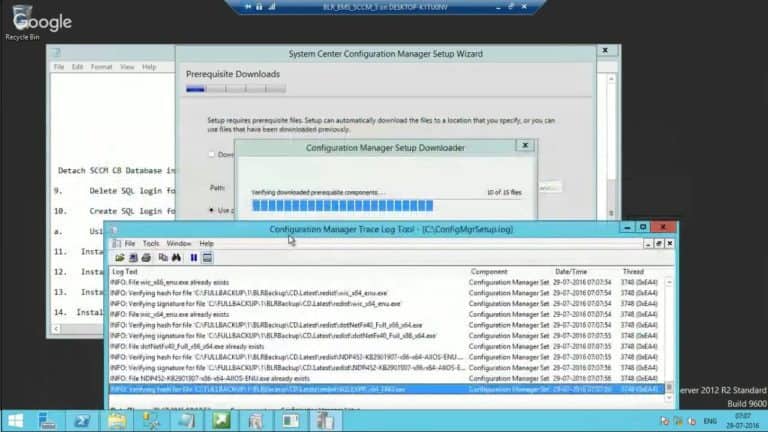
ConfigMgrSetup.log
Snippets from ConfigMgrSetup.log which may help you to trace the installation of CAS and connectivity between SCCM CB primary server:-
INFO: Registering SQL connection to primary site's SQL server BLRITPROCM.BLRITPRO.COM.
INFO: checking whether BLRITPROCM.BLRITPRO.COM is a standalone site and whether it has the matched version
INFO: Creating sender address on primary site BLRITPROCM.BLRITPRO.COM to access CAS site BLREMSCAS.BLRITPRO.COM.
INFO: Creating sender address on CAS site BLREMSCAS.BLRITPRO.COM to access primary site BLRITPROCM.BLRITPRO.COM.
INFO: Stored SQL Server computer certificate for Server [BLREMSCAS.BLRITPRO.COM] successfully on [BLRITPROCM.BLRITPRO.COM].
Successfully bulk copied file [C:\SEDO_LockableObjectTypes_bcp.bcp] into table [SEDO_LockableObjectTypes] with rows [20]. Configuration Manager Setup 17-08-2016 15:37:58 3936 (0x0F60)
Creating Service Broker routes for site BLR on SQL server BLREMSCAS.BLRITPRO.COM. ConfigurationManager Setup 17-08-2016 15:38:43 3936 (0x0F60)
INFO: RCM received a message from "BLRITPROCM.BLRITPRO.COM", BCP initialization has started. Configuration Manager Setup 17-08-2016 15:47:36 3576 (0x0DF8)
We are on WhatsApp now. To get the latest step-by-step guides, news, and updates, Join our Channel. Click here. HTMD WhatsApp.
Author
Anoop C Nair is Workplace Technology solution architect with 25+ years of experience in global enterprise organizations such as JP Morgan, Capgemini, etc. He is Microsoft Certified Trainer. Microsoft MVP from 2015 onwards for consecutive 11 years! He also conducts Intune and modern workplace tech training for enterprise organizations. He is Blogger, Speaker, and Founder of HTMD Community and HTMD Conference. His focus is on Device Management technologies such as Intune, Windows, Cloud PC, He writes about technologies like Intune, SCCM, Windows, Cloud PC, Windows, Entra, Microsoft Security.
Anoop C Nair is Workplace Technology solution architect with 25+ years of experience in global enterprise organizations such as JP Morgan, Capgemini, etc. He is Microsoft Certified Trainer. Microsoft MVP from 2015 onwards for consecutive 11 years! He also conducts Intune and modern workplace tech training for enterprise organizations. He is Blogger, Speaker, and Founder of HTMD Community and HTMD Conference. His focus is on Device Management technologies such as Intune, Windows, Cloud PC. He writes about technologies like Intune, SCCM, Windows, Cloud PC, Windows, Entra, Microsoft Security.